
Zalando jewellery packshot: lower third, symmetry, back view
Zalando's jewellery guide: primary packshot in the lower third of the grid, a back view showing fasteners, no upside-down logos. A prompt checklist for Sume.
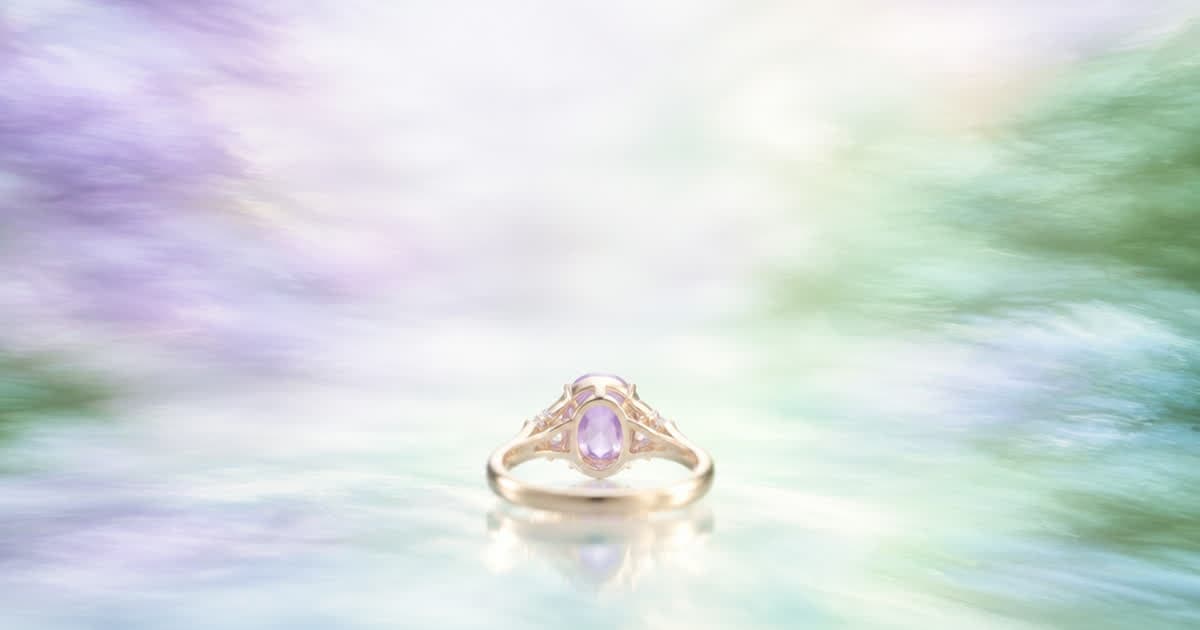
Zalando's jewellery guide asks for a primary packshot as the catalogue view, centred vertically and positioned in the lower third of the image grid, with symmetry emphasised, no dust or scratches, and a back view that shows the fasteners. Front crop is not allowed as the catalogue view for jewellery. These rules are in the Jewellery image guide, updated March 3, 2025 (read 2026-10-02). Jewellery is also where an AI edit is most likely to invent a detail that the real piece does not have.
What does the jewellery guide require?
Required: one compliant primary packshot as the catalogue view plus two further compliant images. Duplicates lead to rejection. A white background with light shadows is the guide's recommendation. For sets, a primary packshot must clearly show all items included. Brand logos are not allowed to be shown upside down, and battery-operated watches need at least one image where the CE label is clearly visible.
For sets, the guide wants one primary packshot showing every item included, so give the edit one reference photo of the whole set rather than separate photos of each piece, and check that the count of items matches the real box. Material also matters: the guide says the quality of the material must be visible, matt or shiny, so look at whether a polished finish came back looking brushed or the other way round.
| Rule | What the page says |
|---|---|
| Catalogue view | Primary packshot; front crop not allowed |
| Position | Centred vertically, in the lower third of the grid |
| Background | White with light shadows |
| Detail | Emphasised symmetry; inside and fasteners visible; material matt or shiny must be visible |
| Sets | Primary packshot shows all items |
| Back view | Must show the fasteners of each article |
| Logos | Never upside down |
What can an edit change safely?
Background, light and position are reasonable edit targets: ask for a plain white ground, a soft contact shadow and the piece placed in the lower third. Colour is not: the guide says colour fastness is very important and the article colour should match the colour transmitted. Ask the model to keep metal tone, stone colour and finish exactly as in the photo, then compare.
PROMPT = "Edit this photo into a jewellery packshot of the same piece. Keep metal tone, stones, clasp, engraving and finish exactly as in the photo. White background with a light soft shadow, piece centred horizontally and placed in the lower third of the frame, symmetrical, no dust, no text, no extra objects."
import os, requests

r = requests.post(
    "https://api.sume.com/v1/images",
    headers={
        "Authorization": f"Bearer {os.environ['SUME_API_KEY']}",
        "Idempotency-Key": "zalando-sku-1042-primary",
    },
    json={
        "model": "openai/gpt-image-2.5",
        "prompt": PROMPT,
        "input_references": [
            {"type": "image_url", "image_url": {"url": "https://example.com/sku-1042.jpg"}}
        ],
        "image_size": "2000x2880",
        "output_format": "jpeg",
    },
    timeout=60,
)
if r.status_code == 200:
    print(r.json()["data"][0]["url"])
elif r.status_code == 202:
    print("poll", r.json()["data"]["status_url"])
else:
    r.raise_for_status()
What about the back view and fasteners?
Do not generate a fastener you have not seen. The guide wants the back view to show the real fastener type, and an invented clasp is a product misrepresentation that Zalando's AI rules say it can reject. Photograph the back, then use an edit only to clean the background. The same goes for engravings and the inside of a ring.
What should I do next?
Here is the short version, in the order to do it.
- Shoot the back and detail views; edit only backgrounds and position.
- Request
2000x2880JPEG for the portrait slot. - Check colour and logo orientation on every output.
- For watches with a battery, include a real CE label image.
Sources
Related posts
More in Use cases
- Zalando packshot grid: article at about 80% of the frame, centred
Zalando's apparel and shoes grid puts the article at about 80% of the frame, centred; bags sit in the lower third. How to ask for that framing on Sume.
- Zalando required images per article: 3, 2 or 1, then a batch plan
Zalando needs 3 images for apparel, accessories and shoes, 2 for home, 1 for beauty and others. A per-SKU plan for generating the missing views on Sume.
- Zalando shoe packshot: left shoe pointing left, laces tied, centred
Zalando's shoes guide: primary packshot as catalogue view, left shoe pointing left, laces tied, centred. How to write the edit prompt on Sume.
- AI album cover generator: square art at 3000×3000
Generate square album art, then upscale: Apple recommends at least 3000×3000. On Sume, generate 2400×2400 and upscale it 1.25× to reach 3000×3000.
Written by Sume