
Reuse TTS word timestamps as caption words, skip a second STT
You already know what the voice said and when. Feed the TTS word timings to the caption job as `words` so brand names are never misheard by speech-to-text.
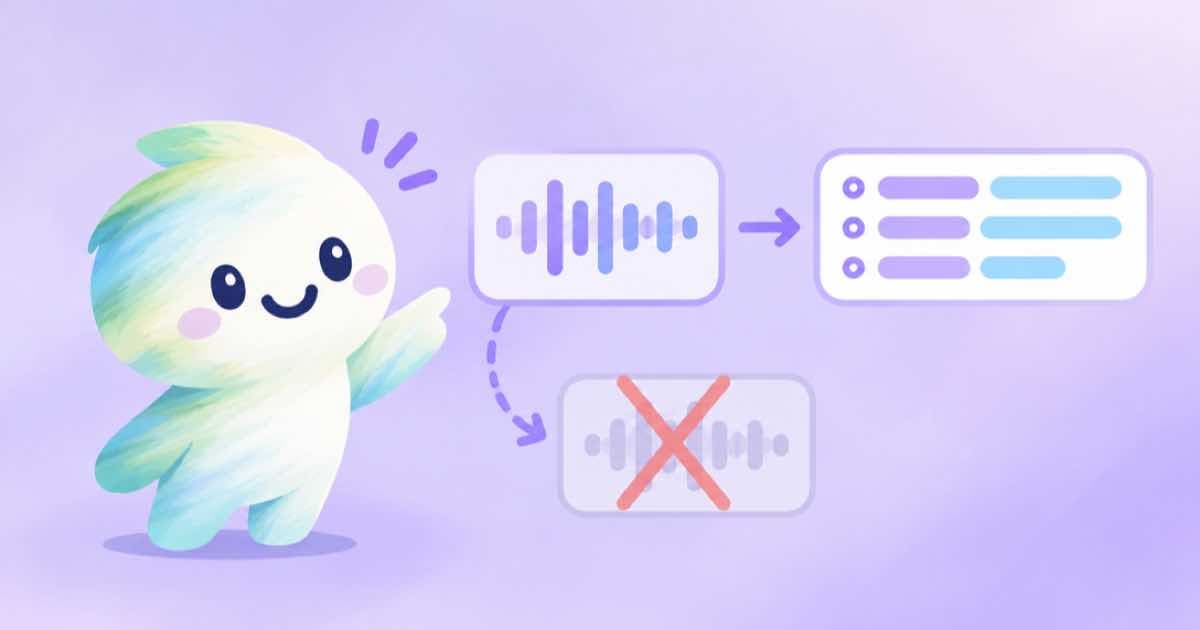
If an AI voice read your script, do you need speech-to-text to caption the video? No. The TTS job can return the word timings itself, and the caption job accepts words and skips transcription entirely. You burn exactly your script's spelling at the times the voice actually spoke it.
This matters more as voices get better. ElevenLabs says Eleven v4 (read 2026-10-04) is more expressive across more than 90 languages; expressive delivery tends to change pacing, and pacing is what a fixed caption schedule gets wrong.
The three pieces
First, ask the TTS job for timings: timestamps: { words: true } adds a monotonic words[] to the finished result, each item with word, start and end in seconds. Second, put the voice into a video and host it so you have a public HTTPS video_url. Third, send the words to POST /v1/video-captions.
The caption job names its fields text, start, end, so rename word to text. words is mutually exclusive with script_text, cues and segments. Sending words skips speech-to-text and burns exactly that copy at those times.
Convert and submit
This sketch assumes you already have the TTS result's words list and the hosted video URL. If the voice starts later than zero in the video, add that offset to every start and end first.
import os, requests

tts_words = [
    {"word": "Meet", "start": 0.00, "end": 0.28},
    {"word": "Sume", "start": 0.30, "end": 0.71},
]
offset = 0.0
words = [{"text": w["word"], "start": w["start"] + offset,
          "end": w["end"] + offset} for w in tts_words]
r = requests.post(
    "https://api.sume.com/v1/video-captions",
    headers={"Authorization": "Bearer " + os.environ["SUME_API_KEY"],
             "Idempotency-Key": "caption-from-tts-001"},
    json={"video_url": "https://media.sume.com/artifacts/example/clean.mp4",
          "style": "slam", "words": words})
print(r.status_code)
When to use which input
Use words when the audio is entirely synthetic and you hold the timings. Use script_text when the audio is a recording and you want STT timing with your wording; it can fail with script_alignment_mismatch or script_alignment_failed. Use cues or segments for phrase-level overlay text, including silent clips.
The TTS timings describe the TTS audio, not the final video. If you trimmed, padded or re-timed the voice in a render, re-base the timings first. The words array shares one schema with STT results, so the same conversion works for a transcript you edited by hand.
Sources
Related posts
More in Developers
- A "use step" function that submits a Sume job once
Put the Sume submit call inside one "use step" function and derive the Idempotency-Key from a stable run key, so a retried step returns the original job.
- Veo is US-region only: what EU teams call on Sume
A Sept 2026 listing says Veo runs only in us-central1, with no EU region documented. Sume has one video endpoint and its docs state no region.
- Vercel renamed Edge Requests: match Sume errors by code, not text
Vercel Edge Requests are now CDN Requests, and billing reads should use SkuId. Same rule for Sume errors: branch on error.code and request_id, never message.
- Sume webhook signature header: why the sume-v1= prefix is checked
verifyWebhook only compares entries that start with sume-v1= and drops others, so a future scheme in the same header cannot break a receiver. A test proves it.
Written by Sume