
TTS volume 0.5 to 2: set narration gain before mixing with music
Sume TTS 1.0 generation_config.volume runs from 0.5 to 2 alongside speed 0.6 to 1.5. How to set narration level before you mix with a music bed.
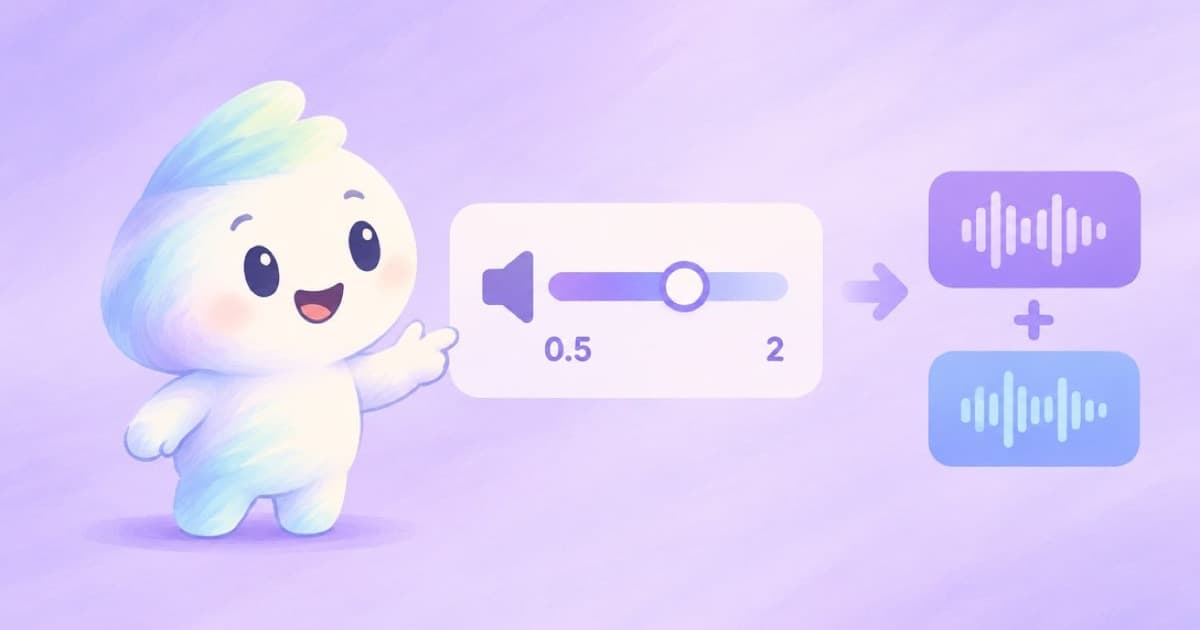
The knobs
The Sume TTS 1.0 request has a generation_config object. In the API reference, volume ranges from 0.5 to 2, speed from 0.6 to 1.5, and emotion is a string of 1 to 64 characters. A separate deprecated speed field takes slow, normal or fast, so use the numeric one.
| Field | Range | Notes |
|---|---|---|
| volume | 0.5 to 2 | Volume multiplier |
| speed | 0.6 to 1.5 | Numeric; the old slow/normal/fast enum is deprecated |
| emotion | 1 to 64 characters | String |
Why set it at generation time
Level matching is easier before the mix than after it. If narration is too quiet against a music bed, you can raise volume at generation and avoid applying gain later on a clip that might already sit near full scale.
I have not verified how the volume scale maps to decibels, so measure one clip rather than assuming 2 means a particular gain.
A request
Keep wav through the mix so you do not re-encode. See wav vs mp3 for the reason.
{
  "transcript": "Welcome back. Here is this week's update.",
  "generation_config": { "volume": 1.2, "speed": 1.0 },
  "output_format": { "container": "wav" }
}
A mixing routine
- Render a 10-second sample at volume 1.0 and listen against your music bed.
- If the voice is quiet, try 1.2 to 1.5; if it clips, step down.
- Keep the same volume across every line of a script so levels do not jump.
- Render the final lines and join them with Timeline audio.
Speed and level together
Speed and volume are separate fields, and the ranges are different: 0.6 to 1.5 for speed, 0.5 to 2 for volume. A slower read is longer, so it uses more of the 1,200-second limit, while a louder read does not change duration.
Pick speed first for pacing, then volume for level, and render a sample of both before committing to a long script.
Takeaway
Set volume between 0.5 and 2 for first-pass level, keep to one value per project and measure rather than guess. Music from the router comes at its own level, so balance the two on a short test before you render a long read.
Sources
Related posts
More in Developers
- TTS mp3 bit_rate vs wav: fit a voiceover under the 10 MB Fabric limit
Sume TTS mp3 bit rates run 32k to 192k. At 128k a 300-second voiceover is about 4.8 MB, under the 10 MB Fabric audio limit. Mono 16 kHz wav is 9.6 MB.
- TTS word timings to burned-in captions: send them as words on Sume
Sume's TTS can return word start and end times; the caption job accepts words with text, start and end and skips transcription. How to wire them together.
- Two workers, one order: Idempotency-Key from order id and version
Two queue workers pick up the same order and both submit to Sume. Build the key from order id plus version so duplicates collapse and edits still create a run.
- Undo for AI image edits: keep a version chain of every saved result
Generative edits have no undo button. Download each result, hash it, record its parent and prompt, and walk the chain back. Python, no database.
Written by Sume