
Transparent-background product cutouts with GPT Image 2.5
Make a PNG product cutout with a transparent background through Sume's Image API, then place it on each marketplace's own background. Request fields and checks.
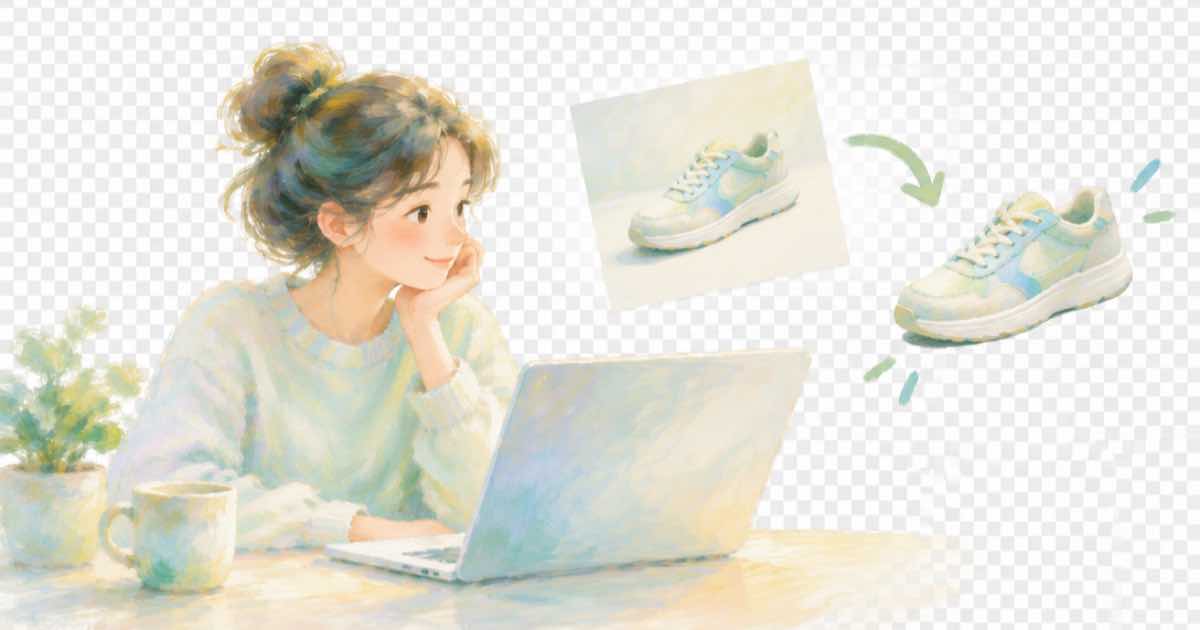
To get a product cutout with a transparent background from Sume, call POST /v1/images with model openai/gpt-image-2.5, background set to transparent and output_format set to png, and pass your real product photo as an input reference. The result is a file you can drop onto any backdrop a marketplace asks for.
Why bother this month: Walmart's release notes list a GenAI Listing Quality Dashboard dated September 14 that gives catalog recommendations (read 2026-10-04), and cleaner image sets are one thing a seller can act on. A transparent master makes every other variant cheaper to produce.
Which fields matter?
From the Image API docs for ChatGPT Image 2.5 (openai/gpt-image-2.5):
| Field | Value | Note |
|---|---|---|
| model | openai/gpt-image-2.5 | Also openai/gpt-image-2.5-sunburst |
| background | auto, transparent or opaque | Supported by ChatGPT Image 2.5 |
| output_format | png, jpeg, webp or svg | Use png to keep transparency |
| input_references | Up to 16 images | Public HTTPS URLs only |
| quality | auto, low, medium, high, xhigh, max | Defaults to high when omitted |
What does the request look like?
Describe only the cutout. Say the product must stay unchanged. A 200 response carries the image; a 202 means a job is running.
import os, requests

r = requests.post(
    "https://api.sume.com/v1/images",
    headers={"Authorization": "Bearer " + os.environ["SUME_API_KEY"]},
    json={
        "model": "openai/gpt-image-2.5",
        "prompt": "Isolate the product exactly as it is, no shadow, nothing added",
        "input_references": [
            {"type": "image_url", "image_url": {"url": "https://example.com/product.jpg"}}
        ],
        "background": "transparent",
        "output_format": "png",
    },
    timeout=120,
)
print(r.status_code, r.text[:300])
What should you check on the result?
Open the PNG over a dark and a light background. Look for fringes, missing thin parts such as straps or cables, and edits to printed text. Compare it to the real product, not to your prompt.
- Edges are clean on both dark and light backgrounds.
- The file really has an alpha channel. Sume's image docs also point to Image 1.0 with
transparency: truefor transparent stills; switch to it ifbackgroundreturns an opaque file. - Small parts and label text are unchanged.
- The marketplace you upload to actually wants a plain background; some channels ask for a specific one, which you confirm on that channel's current page.
Where do you put it next?
Composite the PNG on the background each channel needs in your own pipeline, or use it as an input reference for lifestyle scenes. Keep the cutout's job id with the SKU so every later variant starts from the same source.
Sources
Related posts
More in Media tools
- Transparent PNG: generate it or cut it out?
Sume lists a background option on ChatGPT Image 2.5: auto, transparent or opaque. Generate a transparent PNG directly, or cut out an existing image.
- Trim a supplier product video to 30 seconds with Sume, $0.02
Channels cap video length differently. Cut one clip to the range you need with Sume's video-trim endpoint, $0.02 per job, frame-accurate by default.
- Trim the silent lead-in: first spoken word from STT, then video trim
A clip that starts with two seconds of nothing loses viewers. Read the first word's start time from STT, then cut with video trim, exact or keyframe.
- Turn six product stills into a 30-second vertical video
When 12 million AI listings share the same still images, a short video stands out. Stitch six stills into a 1080x1920 clip with Sume Timeline 1.0 for $0.10.
Written by Sume