
Timeline audio mp3 adds padding at every edge: keep wav to rejoin
Sume timeline audio outputs wav (default, sample-exact) or mp3, which adds priming padding at each edge. Re-joined mp3 parts leave gaps.
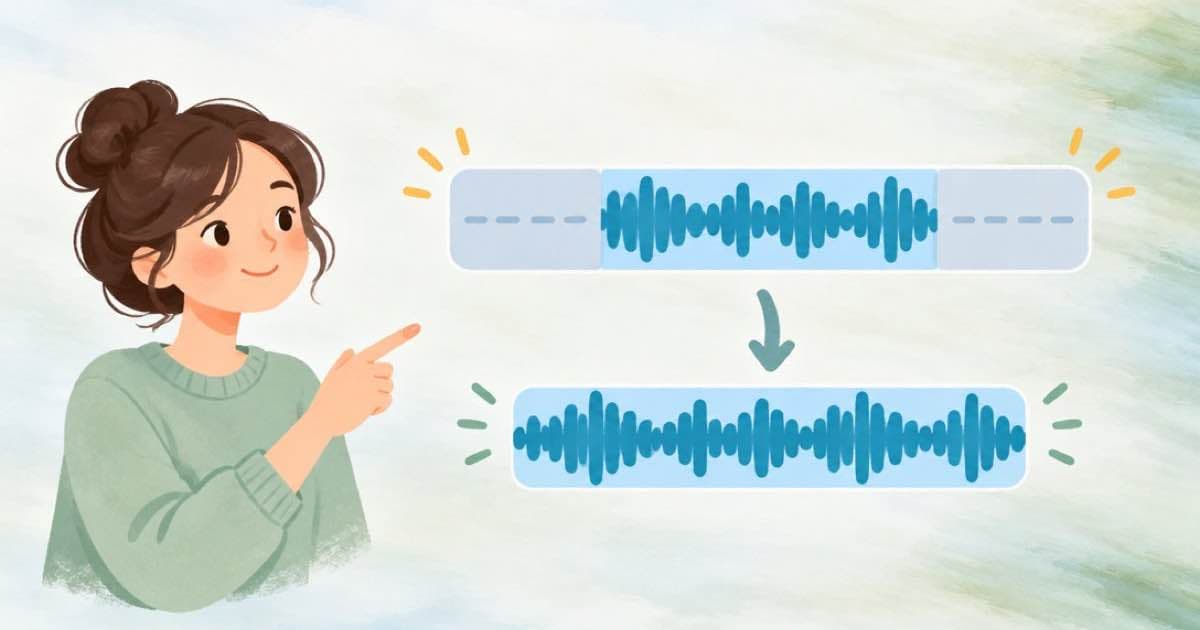
Use wav when you will join audio again. Sume timeline audio defaults to sample-exact wav (pcm_s16le), while mp3 is smaller but adds priming padding at every edge, so parts cut and re-joined as mp3 pick up a small gap at each seam. The docs say to keep wav if the file will be joined again or if it drives lip-sync.
The job is POST /v1/timeline-1.0/audio, $0.01 per job, per the timeline audio docs. It runs worker ffmpeg only, with no provider inference.
Pick the format by what happens next
operation: concat joins 1 to 20 parts[]. operation: split cuts one file into 1 to 20 ranges[]. Each result is a new durable artifact. The output.format field is wav or mp3.
| Format | Encoding | Seam behavior | Pick it for |
|---|---|---|---|
| wav (default) | pcm_s16le, sample-exact | Parts butt together | Joining again, lip-sync, feeding a timeline |
| mp3 | Smaller file | Priming padding added at every edge | A final delivery file that nothing else will cut |
A split-then-join example
Say a 60-second spine is split into three 20-second ranges, then the middle one is replaced and the three are joined. With wav that is two jobs, 2 x $0.01 = $0.02, and the join has no added gaps. With mp3 the same two jobs add padding at the two seams you created plus the edges, which you will hear as a small hitch.
If you need to cut many ranges from one video track, detach the audio once with audio detach ($0.01), then split that file. Detaching per range repeats the extraction and the fee.
{
  "operation": "split",
  "url": "https://media.sume.com/artifacts/artf_demo/spine.wav",
  "ranges": [
    { "start": 0, "end": 20 },
    { "start": 20, "end": 40 },
    { "start": 40, "end": 60 }
  ],
  "output": { "format": "wav" }
}
Practical rules
Source files must already live on your workspace's media host, so import first with POST /v1/media-imports. Idempotency-Key is required on writes, and the result of each job is read from the job envelope. Parts and ranges can be trimmed with source_in and duration fields per part, so a single concat job can drop a breath or a click at the start of a line without a separate step.
- Detach once ($0.01), split once ($0.01), join once ($0.01): $0.03 for a full edit pass.
- Convert to mp3 only as the last step, after every join.
- A part list or range list is limited to 20 entries per job, so a longer edit needs two jobs.
Why the padding happens
The mp3 format works in fixed-size frames, and encoders add a short run of silence at the start and sometimes the end so decoding can warm up. When a file is cut at a time that does not match a frame boundary, that padding appears in each piece. One seam may be hard to hear, but a join of twenty parts repeats the padding twenty times, and the docs say it appears at every edge.
The practical conclusion matches the docs: keep the working copies as wav, which is sample-exact, and encode a single mp3 at the end if file size matters.
Sources
Related posts
More in Media tools
- Split a voice track into 20 files for 1 cent: timeline audio split
Sume timeline audio split cuts one audio file into up to 20 ranges in a single $0.01 job, with wav output by default. 20 separate jobs would cost $0.20.
- Timeline compose overlay on 1080x1920: a 972 px plate, 96 px margin
Overlay compose defaults width_ratio 0.9 and margin_ratio 0.05: on a 1080x1920 frame, a 972 px plate and a 96 px margin. Stack splits 50/50. $0.02 a job.
- Price badge over a 45-second clip: timeline compose overlay, $0.02
Put one still on top of one video with Sume timeline compose overlay: width_ratio, position, margin_ratio, the 300-second ceiling, and a flat $0.02.
- Timeline compose stack ratio 0.4 on 1080x1920: 768 and 1,152 px
Timeline compose stack splits the 1080x1920 frame by ratio. Ratio 0.4 gives the still a 768 px band and the video the other 1,152 px. $0.02 flat per job.
Written by Sume