
Timeline audio concat fails on mono plus stereo: channel mismatch
Joining a mono and a stereo file in Sume timeline audio returns audio_parts_channel_mismatch. Detach both as mono, or match layouts first.
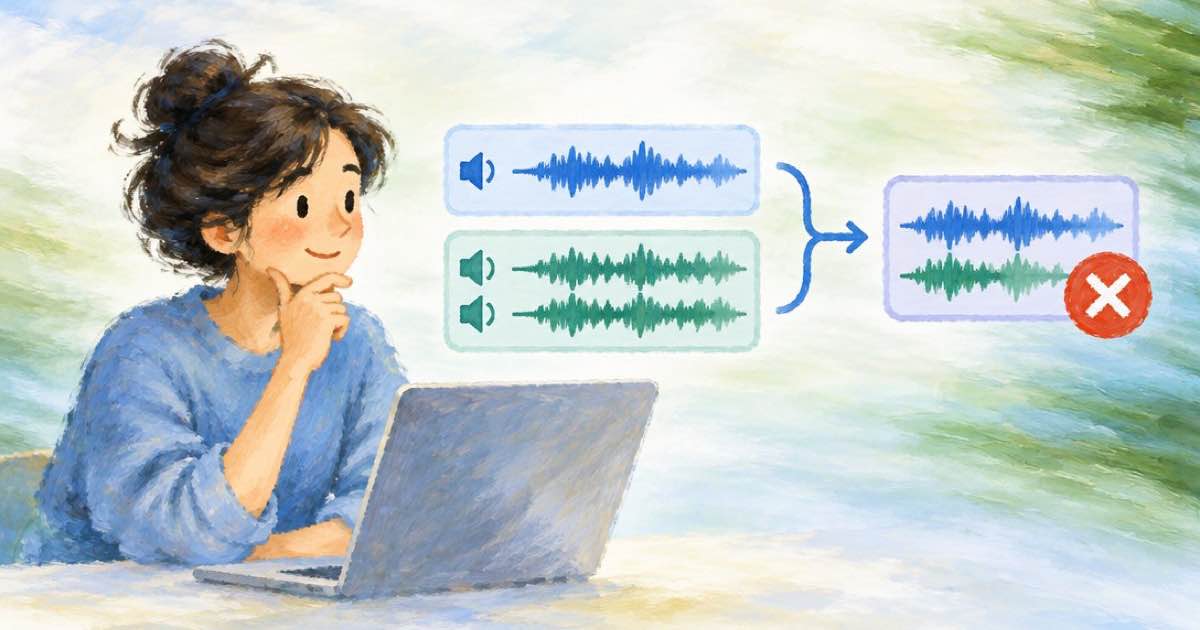
If you concat a mono file with a stereo file in Sume timeline audio, the worker returns audio_parts_channel_mismatch. The docs state that all parts must have the same channel layout. The join is sample-domain with no re-synthesis, so Sume does not convert layouts for you. Make the layouts match before you join.
Where mismatches come from
Narration recorded or generated as mono and music generated as stereo is the common case. Parts taken from different sources, such as a voice file and the audio track of a video, can also differ. The check is made by the worker, not at admit, so the error appears after the job is accepted.
| Rule | Detail |
|---|---|
| Parts | 1 to 20, ordered |
| Part shape | { url, source_in?, duration? } |
| Layout | All parts must share one channel layout |
| URLs | This workspace's media.sume.com audio only |
| Idempotency | Idempotency-Key required |
| Output length | Up to 1800 s |
| Price | $0.01 flat per job |
Fix with audio detach
Audio detach has a channels option: source (default) or mono. If your parts come from videos, detach each with channels: "mono" and they all share a layout. Detach is $0.01 per job, so normalizing three parts costs 3 x $0.01 = $0.03, plus $0.01 for the concat, $0.04 in total.
If the parts are already audio files, the docs offer no channel conversion in timeline audio. Regenerate or re-detach the odd file in the layout the others use.
Request that works
Both parts below are assumed to be mono wav files already in your workspace.
curl -X POST https://api.sume.com/v1/timeline-1.0/audio \
  -H "Authorization: Bearer $SUME_API_KEY" \
  -H "Content-Type: application/json" \
  -H "Idempotency-Key: timeline-audio-concat-002" \
  -d '{
    "operation": "concat",
    "parts": [
      { "url": "https://media.sume.com/artifacts/artf_demo/line1.wav" },
      { "url": "https://media.sume.com/artifacts/artf_demo/line2.wav" }
    ]
  }'
After the join
The result has one audio_url, a duration_seconds and segments[] with the offsets of each part. Use the offsets to re-base your video slots in a Timeline 1.0 render.
Sources
Related posts
More in Media tools
- Mixing 24 fps Seedance clips with 30 fps footage in Sume Timeline
Set output.fps to 24, 25, 30 or 60 in Timeline 1.0. If you omit it, the job matches the sources, and a mismatch returns output_fps_resamples_sources.
- Timeline output fps: omit it to follow your clips, or get a warning
Leave output.fps out and Timeline 1.0 follows your longest video sources. Force 30 on 24 fps clips and the job warns output_fps_resamples_sources.
- A 7:30 Timeline render bills 8 minutes: cut 30 s to save $0.10
Timeline 1.0 charges $0.10 per ceil(output minute). A 450-second render is 8 minutes, $0.80; trimming it to 420 seconds bills 7 minutes, $0.70. Table and code.
- Timeline render_strategy_unsafe: why single fails above 12 slots
Timeline returns render_strategy_unsafe when strategy single is used with over 12 slots. Leave it on auto, which chunks past 12 segments. Limits and the fix.
Written by Sume