
Three app previews show in search: queue three hook variants at once
Apple shows up to three app previews in search results. Queue three hook variants of one app video as one Sume bulk run.
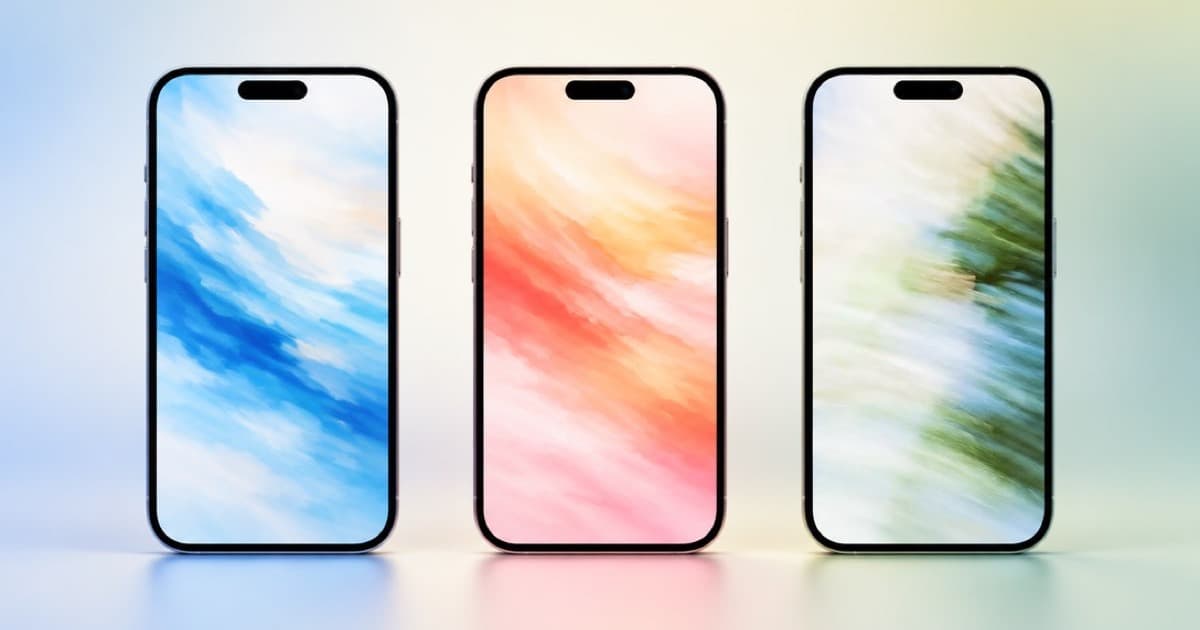
Apple lets you upload up to three app previews to a product page, and up to three of them may appear in search results, so the three previews you choose are your whole search-results pitch. The practical move is to produce three deliberately different hook variants of one app video and pick by what a viewer sees in the first second.
The counts come from App Store Asset Best Practices and Resources (read 2026-10-11). Sume can queue the three variants as one bulk run of its mobile-app Format; it does not choose which one Apple shows or measure which wins.
The counts Apple states
Both rows are quoted from the Apple page.
| Asset | On the product page | In search results |
|---|---|---|
| Screenshots | Up to 10 | Depending on orientation, up to three |
| App previews | Up to three | Up to three may appear |
Three hooks, not three trims
Autoplaying previews repeat and are usually muted, so a search-results viewer decides on the opening seconds. Three trims of one idea waste the slots. Vary what the first shot proves.
- Variant A opens on the problem the app solves.
- Variant B opens on the finished state, the one screen the user wants.
- Variant C opens on a before and after, with no talking.
One bulk run for all three
The Format sume-mobile-app-ugc is a first-party catalog entry whose example input asks for a 9:16 mobile-app UGC ad where a creator holds a phone and shows a budgeting app. Bulk runs says a queue takes 1 to 100 items, concurrency of 1 to 16, one Idempotency-Key per batch, and that each item is the same body as a single run, so each item can carry its own generation_spend_cap_usd.
The request below sends three items with a $20 cap each, at concurrency 3. Read the Format's GET /v1/formats/sume/{slug} first, since Format catalog says that call shows its description and io profile. The data in a 202 holds the queue; poll its status_url, and remember that completed means every item is terminal, not that all succeeded.
import os, uuid, requests

hooks = [
    "Hook A: creator gasps at a hidden subscription total",
    "Hook B: creator shows the one-screen budget first",
    "Hook C: creator compares before and after the app",
]
items = [
    {"instruction": h, "generation_spend_cap_usd": 20}
    for h in hooks
]
r = requests.post(
    "https://api.sume.com/v1/formats/sume/sume-mobile-app-ugc/bulk-runs",
    headers={
        "Authorization": "Bearer " + os.environ["SUME_API_KEY"],
        "Idempotency-Key": str(uuid.uuid4()),
    },
    json={"concurrency": 3, "items": items},
    timeout=60,
)
print(r.status_code, r.json()["data"])
What a batch of three does and does not guarantee
A fresh Idempotency-Key per batch matters: per the docs, replaying a spent key returns the old queue, not a new one. The spend cap bounds each item; it is a ceiling and not a price quote, so read the usage block on the finished runs for what was billed.
Choose the three finalists by watching them muted, at phone size, with the first second only. Then format each to Apple's specs outside Sume; this post did not read those. For looping behavior see App preview video that loops and works muted, and for the ad-versus-preview split see Mobile-app UGC Format: holiday app ads vs App Store previews.
Sources
Related posts
More in Formats
- Ready-made Formats for product video: the Sume Format catalog
Sume ships ready-made Formats for product and UGC-style video and images, each callable from your backend with one HTTP request at the reserved sume handle.
- What is a Sume Format? Turn an agent thread into one API call
A Sume Format is a saved video recipe your backend calls by handle and slug. One POST runs it in a fresh sandbox and returns media plus optional typed JSON.
- How to embed AI video generation in your product with Sume Formats
To embed AI video generation, your server holds one Sume API key and runs a Format per customer, with a derived Idempotency-Key, spend cap, and webhook.
- Sume Format bulk runs: queue up to 100 renders in one request
A Sume bulk request queues 1 to 100 ordinary Format runs on the server and keeps 1 to 16 in flight. Poll one queue URL; read each child as a normal run.
Written by Sume