
Suno Speech beta: voice and music in one pass, or separate tracks?
Suno's Speech beta makes voice and music in one track. Its blog lists wandering accents and long pauses. When to prefer separate TTS, music and a timeline mix.
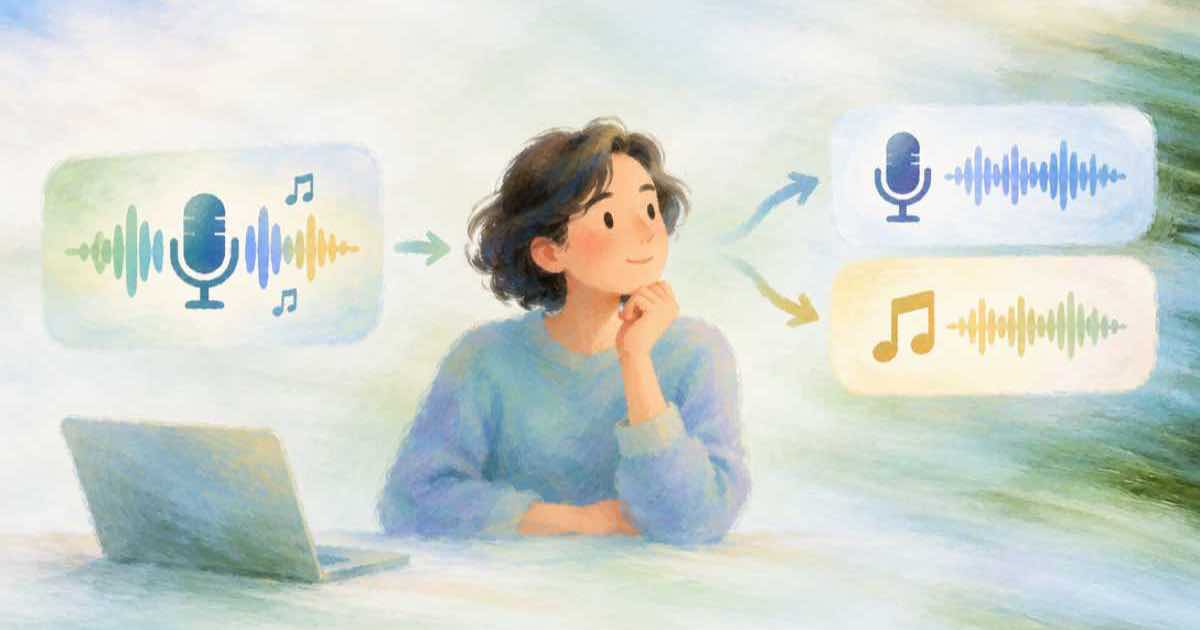
Use one-pass voice and music when you want a quick, complete clip and can accept whatever balance comes out. Use separate speech, music and a mix when you need to fix a single word, re-time a line or change the music without touching the voice. Suno's October 1 post introduces Speech beta, which combines voice and music in one track from text, and lists known quirks.
What Suno says about Speech beta
The post describes a beta that produces spoken content with music in a single generation. It names two known quirks: accents can wander during a read, and long pauses can appear. Those are vendor-stated limits of a beta, which is the right level of caution to carry into a plan.
| Item | What the blog says |
|---|---|
| Output | Voice and music together in one track |
| Input | Text |
| Stage | Beta |
| Known quirk | Wandering accents |
| Known quirk | Long pauses |
Where one pass hurts
When voice and music are one file, a fix to either means regenerating both. A wandering accent in line three costs you the music you liked. A long pause cannot be trimmed without cutting the music underneath. You also cannot lower the music under the voice later, because they are no longer separate.
The separate route on Sume
Split the work into three jobs. Text-to-speech makes each line. The Music Router makes the bed through POST /v1/music-router/generate, where sume/music-auto picks the engine (Lyria 3.5 today) and job.request.routed_model names the one that ran. Then Timeline 1.0 assembles them: its soundtrack field takes the bed and a duck_db value lowers it under dialogue.
The Music Router rejects duration and duration_seconds, so the length is steered in the prompt, for example a 30-second track. Music is charged a fixed price per generation. Unbilled /plan calls on Timeline let you check the assembly before you pay for it.
curl -X POST https://api.sume.com/v1/music-router/generate \
  -H "Authorization: Bearer $SUME_API_KEY" \
  -H "Content-Type: application/json" \
  -H "Idempotency-Key: bed-001" \
  -d '{
    "model": "sume/music-auto",
    "prompt": "Calm acoustic bed, a 30-second track, instrumental, no vocals."
  }'
A quick decision guide
- Social teaser, one take, low stakes: one pass is faster.
- Brand voice, legal read, numbers or names: separate tracks, so each line can be checked and redone alone.
- Same narration over several music options: separate tracks, one voice job and several beds.
- Localised versions: separate tracks, since only the voice changes.
Sources
Related posts
More in Comparisons
- Suno v6 and label partners: what it means for an ad soundtrack
Suno's v6 post names WMG, BMG and Believe and upload screening. What a rights-minded team should check before using any AI music in a paid ad.
- Reading a vendor-run TTS leaderboard: Gemini 3.8 Flash TTS on VoiceEQ
Hume's blog lists Gemini 3.8 Flash TTS atop its Real-World VoiceEQ board. What that does and does not tell you, plus a blind test to run on your script.
- Reference limits: Veo 3.1, Gemini Omni Flash and Sume Video 1.0
Veo 3.1 takes up to 3 reference images, Omni Flash up to 3 clips of 3 s each, and Sume Video 1.0 takes 1 to 9 images. A table to pick by what you need to pin.
- Video API price per second: Veo, Runway, Luma, MiniMax, Seedance
A vendor-authored Higgsfield table lists Veo 3.1 at $0.40 per second down to MiniMax H3 at $0.08. What 10 seconds costs and why to verify each rate.
Written by Sume