
Sume webhook signature fails: compare the secret fingerprint first
Webhook signature mismatch? Compare x-sume-webhook-secret-fingerprint with the dashboard before touching code. It is the one value safe to paste in a ticket.
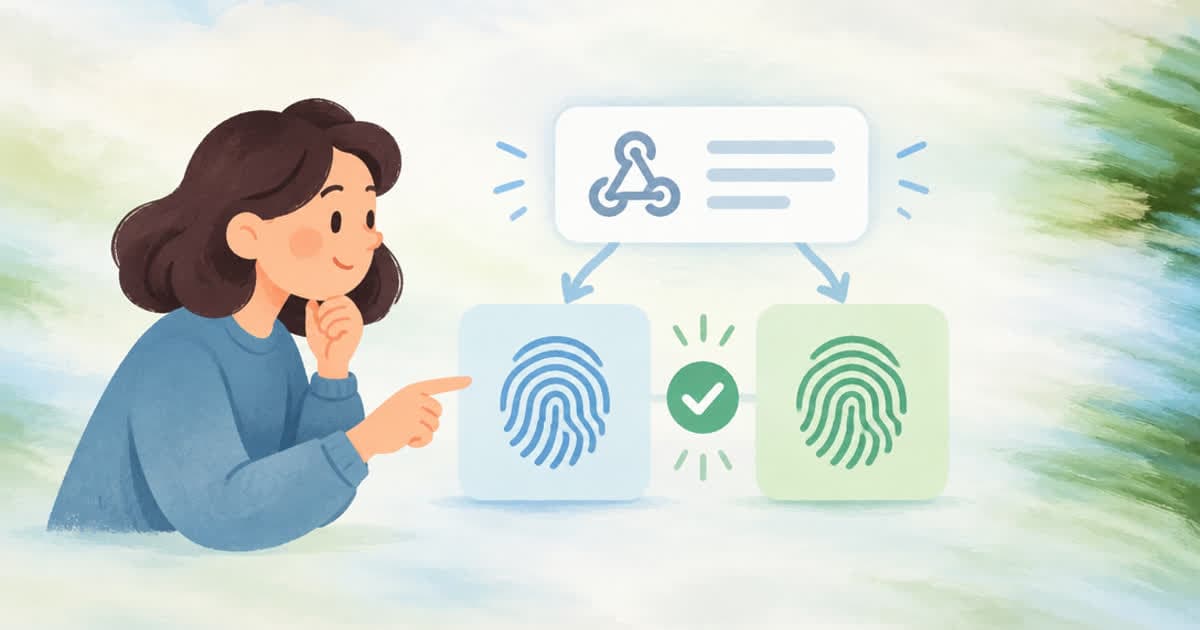
When a Sume webhook signature does not verify, compare the x-sume-webhook-secret-fingerprint header on the delivery with the fingerprint shown beside the secret in the dashboard Webhooks tab. If they differ, your service holds a different secret than the one that signed the request, and no code change will fix it. If they match, look at the raw body and the timestamp.
The fingerprint exists so that neither side has to send the secret itself. The Verifying webhooks page calls it the only part of this data that is safe to paste into a ticket.
Where the fingerprint appears
Three places carry the same value, read from the Webhooks and Verifying webhooks pages on 2026-10-09.
| Where | Field | Use |
|---|---|---|
| Every delivery | x-sume-webhook-secret-fingerprint header | Log it in the receiver |
| The job receipt | webhook_delivery.signing_secret_fingerprint | Read it with the job |
| Dashboard | Next to the secret on /dashboard/webhooks | Compare against the header |
| After a rotation | Names the new secret from the moment of rotation | Tells you which secret to deploy |
Log it where the check fails
The snippet logs the fingerprint and the timestamp header on a failed check and nothing else. It never logs the body, the signature, or the secret.
import { verifyWebhook } from "@sume-com/sdk";

export async function POST(request: Request) {
  const body = await request.text(); // raw, before JSON.parse
  const secret = process.env.SUME_COM_WEBHOOK_SIGNING_SECRET ?? "";

  const ok = secret !== "" && (await verifyWebhook({ body, headers: request.headers, secret }));
  if (!ok) {
    console.warn("sume webhook rejected", {
      fingerprint: request.headers.get("x-sume-webhook-secret-fingerprint"),
      timestamp: request.headers.get("x-sume-webhook-timestamp"),
      hasSecret: secret !== "",
    });
    return new Response("bad signature", { status: 401 });
  }
  return new Response(null, { status: 204 });
}
If the fingerprints differ
The usual cause is a rotation. After you rotate, the header names the new secret at once, and for 24 hours Sume sends two signatures, newest first, so a receiver with either secret can still verify. A receiver that holds the old secret passes in that window and fails after it. Deploy the new secret, then check the fingerprint again.
The secret is per workspace, derived by Sume, so a secret copied from another workspace or from a development environment will not match. You can read the current value from the dashboard, or from GET /v1/webhooks/signing-secret with a key that has account:read. Store it as SUME_COM_WEBHOOK_SIGNING_SECRET.
What to send in a ticket
Send the fingerprint from the header, the fingerprint from the dashboard, the job_id or run_id, and the request_id. Do not send the secret, the signature header, the API key, or a signed media URL. The docs ask for the same redaction on every support report. The fingerprint is enough for Sume to tell whether the two sides disagree about which secret is live.
If the fingerprints match
Then the secret is right and the input is not. The usual causes are a body that was parsed and re-serialized before verification, a header comparison that expects one signature when two are sent, and a timestamp more than 300 seconds from the receiver's clock. The Webhooks page suggests five minutes as the tolerance. Check these in order, and ask Sume support only with the fingerprint and the request id, not the secret.
Sources
Related posts
More in Developers
- Sume webhook_url without a mode field: it runs in webhook mode
Send webhook_url and omit mode, and Sume treats the submit as mode webhook: 202, job id in the first response, signed terminal callback, poll as backup.
- Text to speech API voice id: list avatars where voice.status is ready
Sume TTS rejects voice names from other services before any credit is held. Use avatar_id or avatar_handle, or a UUID or voi_ id copied verbatim.
- Three blind retries of a 30 s Seedance 720p submit can reserve $52.00
Without an Idempotency-Key, a timeout and two retries on one 30 s Seedance 2.5 clip can book $52.002. The same loop with one key, in curl, plus Wan 3.0 totals.
- Total usage.cost for Sume video job ids with curl, jq and awk
One shell pipeline: read job ids from a file, GET /v1/videos/{id} for each, keep completed jobs, and sum usage.cost with awk. No Python or Node needed.
Written by Sume