
Audio transcript to timestamped Markdown notes: Python with Sume STT
Turn a 10-minute recording into Markdown with [mm:ss] sentence lines for Notion or Obsidian using Sume STT sentence segments. Cost is about 10 cents per file.
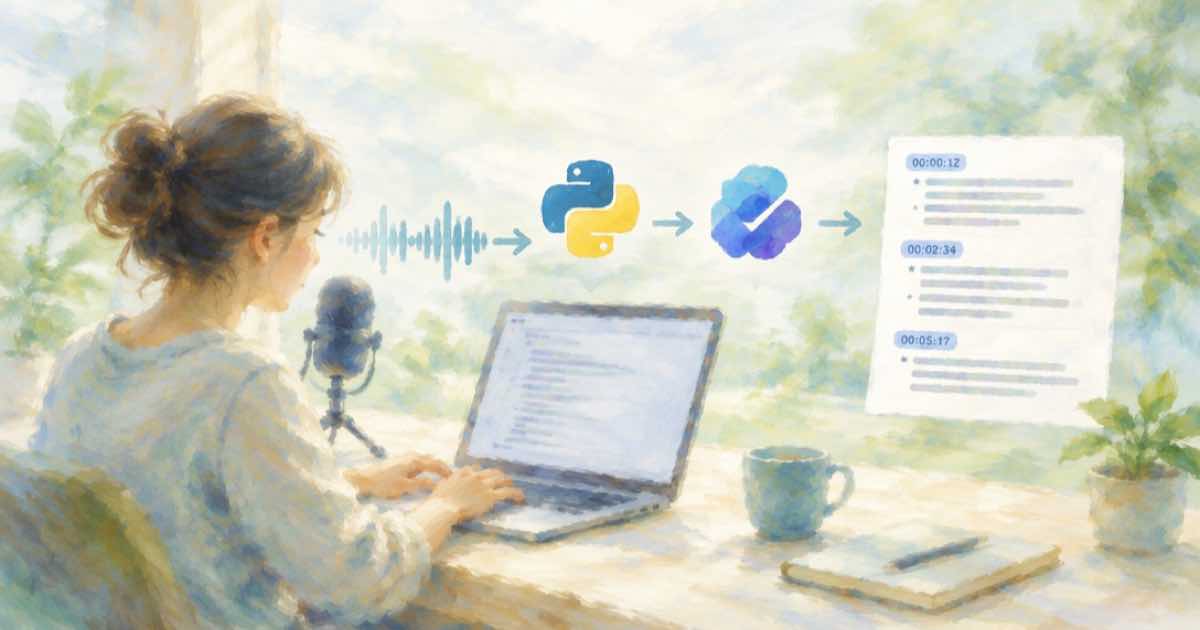
Notes apps have no use for SRT. What a person scanning a transcript wants is one line per sentence with a time they can click back to. Sume STT 1.0 returns exactly the data you need if you ask for sentence segmentation: segments[] with index, text, start, end and duration_seconds, gapless and ordered.
The request
Send segmentation: {"mode": "sentence"} on POST /v1/stt-1.0/transcribe. The audio_url must be public HTTPS, and one job takes at most 10 minutes of audio. Pass duration_seconds (1 to 600) as a reservation hint, otherwise one minute is reserved. Segments are time ranges only. Sume does not slice audio for you here.
Code
import os, time, requests
B = "https://api.sume.com/v1"
H = {"Authorization": "Bearer " + os.environ["SUME_API_KEY"]}

def run(path, body, key=None):
    h = {**H, **({"Idempotency-Key": key} if key else {})}
    r = requests.post(B + path, json={**body, "mode": "async"}, headers=h)
    r.raise_for_status()
    job = r.json()["data"]["job"]["id"]
    while not requests.get(f"{B}/jobs/{job}/status", headers=H).json()["data"]["terminal"]:
        time.sleep(3)
    res = requests.get(f"{B}/jobs/{job}/result", headers=H)
    res.raise_for_status()
    return res.json()["data"]["result"]

res = run("/stt-1.0/transcribe", {"audio_url": URL, "duration_seconds": 540,
          "segmentation": {"mode": "sentence"}})
lines = []
for s in res["segments"]:
    m, ss = divmod(int(s["start"]), 60)
    lines.append(f"- **{m:02d}:{ss:02d}** {s['text'].strip()}")
open("notes.md", "w").write("\n".join(lines))
Cost and limits
STT 1.0 costs about $0.01 per audio minute. A 9-minute memo is roughly 9 cents, and an hour is about 60 cents across six jobs. For longer recordings, split first. The ten-minute limit guide covers that.
Things the notes will not have
- No speaker names. Sume fixes diarization off, so every line is unlabeled.
- No clickable audio links. Obsidian and Notion need your own player link: append
#t=plus the start seconds to a media URL if your player supports it. - Sentence splitting follows the provider's punctuation. Check one file before you batch.
A header worth adding
Write language_code and language_probability from the result into the note's front matter. A low probability tells you to review before sharing. The language-hint post explains when to pass language_code yourself.
Sources
Related posts
More in Use cases
- Suno v6 on licensed data: does it change brand commercial-use risk
Suno v6 is reported to use licensed training data, but suits continue and commercial rights still need a paid plan. What changes for a brand and what does not.
- Suno retires older models: keeping a brand jingle reproducible
TechCrunch says Suno will retire older models after v6. A brand jingle needs a stored master file and a saved prompt, not a promise to regenerate it.
- Swap the person in a clip: reference video or H3 Max Recast on Sume
Seedance 2.5 offers reference-based editing. For a straight person swap, Sume lists H3 Max Recast. When to use which, and the inputs each needs.
- Replace audio from 12.4 s to 14 s of a clip with Timeline parts
Seedance 2.5 lists timestamp-level audio editing. On Sume you can detach a clip's audio and rebuild it from parts with a replaced line in the middle.
Written by Sume