
Selfie or full-body photo for AI try-on: what to send
TechCrunch says ChatGPT Try On takes a selfie or full-body photo. Which suits which item, and how to send a photo plus a garment to Sume's image API.
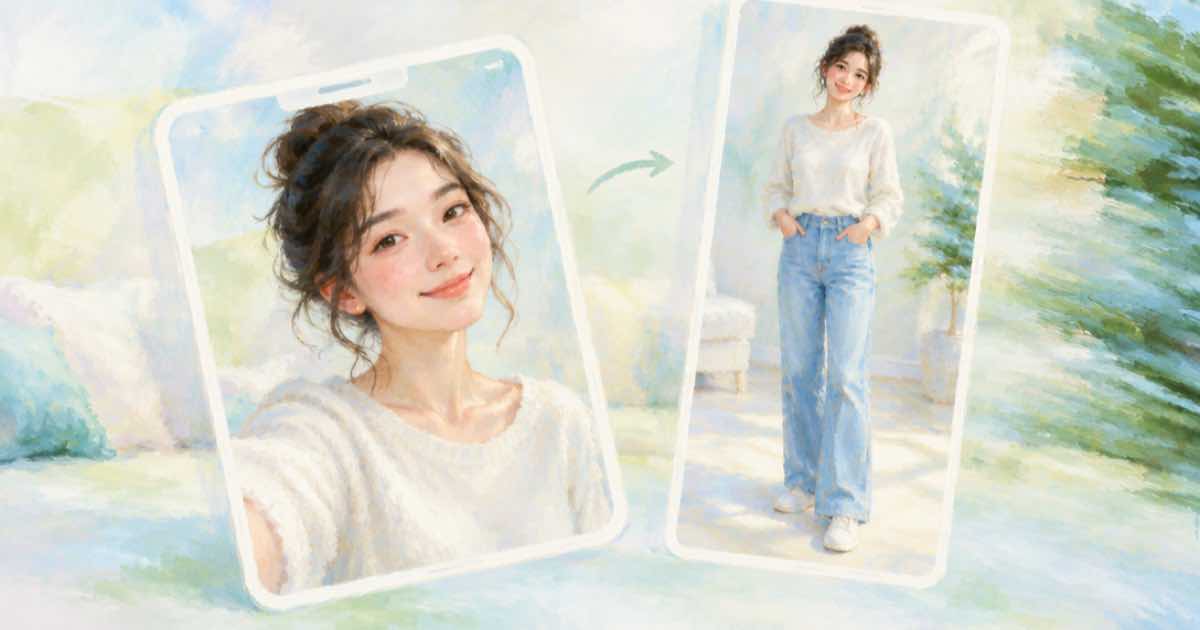
What the launch coverage says
TechCrunch, read 2026-10-03, reports that ChatGPT's Try On lets people upload a selfie or full-body photo to see clothing and accessories on themselves, that a Try On button appears in shopping results, and that people can upload an item image such as a screenshot and ask for a try-on. It says the feature uses ChatGPT Images 2.5 and that photos are saved in a Library alongside the try-on images.
The article gives no guidance on which photo works better, so treat the rest as general practice rather than an OpenAI rule.
Which photo suits which item
| Item | Photo that shows it | Why |
|---|---|---|
| Hat, glasses, earrings, scarf | Selfie | The face is the frame |
| Jacket, shirt, dress | Full-body or waist-up | The garment needs a torso to land on |
| Trousers, skirt, shoes | Full-body | The lower half must be visible |
| Bag | Full-body or waist-up | Shows how it hangs |
The same idea through Sume's image API
Sume's Image API lists ChatGPT Image 2.5 as openai/gpt-image-2.5 with up to 16 image references. Send the person photo first, the garment second, and say what to keep. Both must be public HTTPS URLs; localhost, private and non-HTTPS URLs are rejected, per the Media inputs rules.
Use aspect_ratio: "auto" on an edit so the output matches the person photo; the docs say omitting the field is not the same as auto.
curl -X POST https://api.sume.com/v1/images \
  -H "Authorization: Bearer $SUME_API_KEY" \
  -H "Content-Type: application/json" \
  -H "Idempotency-Key: tryon-001" \
  -d '{
    "model": "openai/gpt-image-2.5",
    "prompt": "Dress the person in image 1 in the jacket from image 2. Keep face, pose and background unchanged.",
    "input_references": [
      {"type": "image_url", "image_url": {"url": "https://example.com/person-full-body.jpg"}},
      {"type": "image_url", "image_url": {"url": "https://example.com/jacket.jpg"}}
    ],
    "aspect_ratio": "auto"
  }'
Consent and honesty
Use photos of people who agreed. A try-on image shows a garment on a body, not a promise of fit, so keep the size chart next to it.
Check the result against the garment
Compare the output with the garment photo for colour, pattern placement and sleeve length before using it. Try-on images are generated, so details such as a logo or a print can drift. If something is wrong, tighten the prompt and say what to keep, rather than adding more references.
Keep the person photo and the generated result together in your own records, with the prompt, so you can show how an image was made if a platform or customer asks.
Sources
Related posts
More in Use cases
- Separate audio and video tracks in a Short: the same split in Sume
Reports say YouTube's Shorts editor now separates audio and video tracks. Sume's Timeline has that split: one audio spine, up to 200 video slots.
- Share another creator's video on YouTube without re-uploading it
YouTube points creators who want to show another creator's video to the Posts tab. How the share works, its limits, and an own-footage Short for your take.
- 71.6% of small businesses shelved a video: a 60-second avatar fix
HeyGen's September 2026 survey says 71.6% recorded a business video and never posted it. Replace the shelved take with a 4-60 second Sume avatar clip.
- Shop moved to shop.com: fix AI clips with a shop.app link on screen
Shopify moved Shop's web experience from shop.app to shop.com on Sept 29, 2026. Old links redirect, but a URL burned into a clip does not update. What to redo.
Written by Sume