
isTerminalJobStatus vs isTerminalRunStatus: skipped only ends runs
The Sume SDK has two terminal checks. Jobs end on completed, failed or canceled; runs also end on skipped. Reusing one for both breaks a custom poll loop.
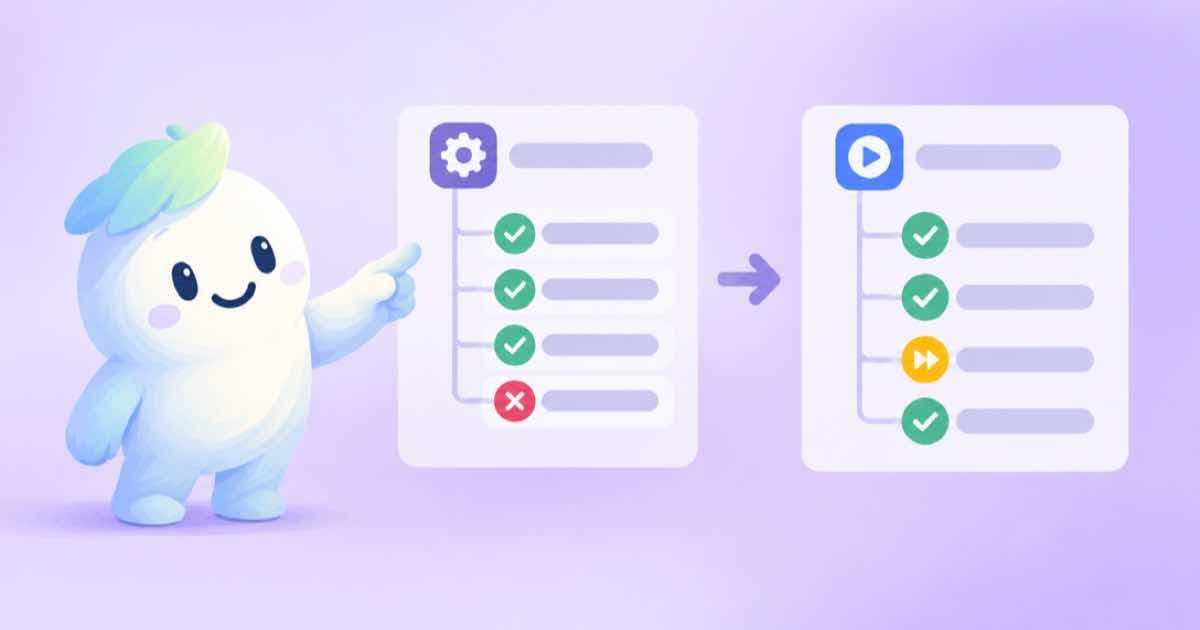
Which statuses end a Sume wait? It depends on whether you hold a job or a run. In @sume-com/sdk@0.2.0, isTerminalJobStatus is true for completed, failed and canceled. isTerminalRunStatus is true for those three and also for skipped. If you write your own poll loop and reuse the job check on a run, a run that was skipped never looks finished, and your loop spins until its own deadline.
Both helpers are exported from the package root, so there is no reason to copy the status lists into your code. The SDK run helpers page describes the waits that use them.
The two lists side by side
A job is one generation request. A run is a Format execution. The SDK types skipped as a run status only, so the job list leaves it out, and a job read never returns it.
| Status | Job | Run |
|---|---|---|
| completed | terminal | terminal |
| failed | terminal | terminal |
| canceled | terminal | terminal |
| skipped | not a job status | terminal |
| queued, processing | not terminal | not terminal |
Checking both offline
The snippet needs no network and no key. It shows the one status where the two helpers disagree, then a small loop condition you can reuse. Terminal does not mean success, so the second check reads the status before treating the result as usable.
import { isTerminalJobStatus, isTerminalRunStatus } from "@sume-com/sdk";

for (const status of ["queued", "processing", "completed", "failed", "canceled", "skipped"]) {
  console.log(status.padEnd(10), "job:", isTerminalJobStatus(status), "run:", isTerminalRunStatus(status));
}

export function runUsable(status: string): boolean {
  return isTerminalRunStatus(status) && status === "completed";
}

console.log(runUsable("skipped"), runUsable("completed"));
Rules for your own loop
- Call the helper that matches the object you poll. Never share one status list across jobs and runs.
- Prefer the SDK waits when you can. They apply the right check and honour the server poll hint.
- Treat failed, canceled and skipped as end states that need handling, not as errors to retry.
- Log the status you stopped on, so a skipped run is distinguishable from a failed one in your records.
Related posts
More in Developers
- Seedance 1.5 Pro retires Nov 11: pin a live Sume model id
ElevenLabs says ByteDance retires Seedance 1.5 Pro on Nov 11, 2026. Pin an id Sume's video catalog lists today and verify its limits first.
- Seedance 2.5 720p on fal, 1080p on Sume: read the catalog
fal lists Seedance 2.5 Image to Video at up to 720p and 30 seconds. Sume docs list seedance-2.5 at 4-30 s and 480p/720p/1080p. Check the catalog before pinning.
- Shopify rejects file names ending in thumb, icon or large
Shopify file uploads reject names ending in pico, icon, thumb, testing, small, compact, medium, large or grande. A Python rename step for batch outputs.
- Shopify image limits: 20 MB, 25 megapixels vs Sume image outputs
Shopify accepts product images up to 20 MB and 25 megapixels in JPEG, PNG, WEBP, HEIC or GIF. How that lines up with Sume image model sizes and formats.
Written by Sume