
Restaurant dish reveal video prompt for Gemini Omni, 6 seconds
A six-second plating and steam reveal for a menu item with Gemini Omni Flash on Sume: camera move, audio line, first-frame trick and price at 720p and 1080p.
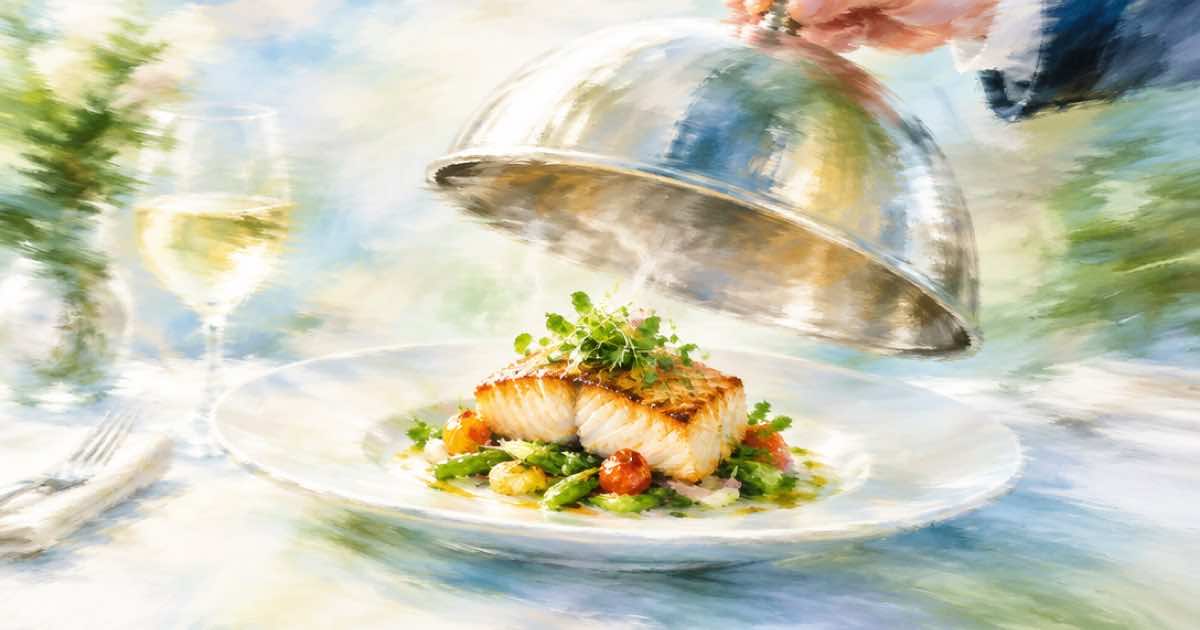
A dish-reveal clip is six seconds: a top-down or 45-degree plate, a hand or sauce entering, steam rising, and a slow push-in. With Gemini Omni on Sume that is $0.75 at 720p and $1.13 at 1080p. If you have a real photo of the dish, use it as the first frame so the food in the clip is the food on your menu.
Text-only prompts invent a dish. A first frame keeps the plate honest, which matters for a menu.
Two ways to start
Text only is quickest for mood clips such as an open-kitchen pass. A first frame is the safer choice for a named item. In Sume's API a first frame goes in frame_images with frame_type: first_frame; a lone image in input_references instead conditions the whole clip as a reference. For a plate that should look exactly like your photo at second zero, use the first frame.
Prompt
Describe motion on top of the still, not the dish again. Name the sound sources: Google's Omni page says to describe audio explicitly (read 2026-10-07).
{
  "model": "gemini-omni-flash-1.1",
  "prompt": "Slow push-in on the plate. Steam rises from the noodles, a spoon lifts a portion and the broth ripples. Warm tungsten light, shallow depth of field, single continuous shot. Audio: soft broth bubbling, chopsticks on ceramic, quiet kitchen murmur. No music. No dialogue.",
  "duration": 6,
  "resolution": "720p",
  "aspect_ratio": "9:16",
  "frame_images": [
    { "type": "image_url", "image_url": { "url": "https://example.com/ramen.jpg" }, "frame_type": "first_frame" }
  ]
}
Price for a whole menu
Sume bills list times 1.25 per second and rounds each job up to the cent. Image-to-video costs the same per second as text-to-video. A 12-item menu at 6 seconds each is therefore a straight multiple.
| Resolution | One clip | 12-item menu |
|---|---|---|
| 360p | $0.23 | $2.76 |
| 720p | $0.75 | $9.00 |
| 1080p | $1.13 | $13.56 |
What to check
Watch utensils and hands: chopsticks and spoons are common failure points. Check that steam does not erase the dish, and that the plate is not swapped for a different bowl mid-clip. Google's note that 1080p and 4K from Omni are upscales (read 2026-10-07) is a reason to draft at 360p and ship at 720p or 1080p rather than pay for 4K. If a hot-steam or sizzle look needs fixing after the fact, an edit pass with video_url can change one thing in a finished clip.
Keeping the dish honest
A menu clip should not promise something the kitchen cannot serve. Use the real plating photo, avoid adding garnishes in the prompt that are not on the plate, and do not show portion sizes you do not use. If the model adds an extra ingredient, re-roll rather than hoping nobody notices. For allergen-sensitive items, treat the clip as atmosphere and keep the menu text as the source of truth. A short clip can also be edited after the fact with the model's video edit mode, for instance to change a garnish, but each edit is a new paid job.
Sources
Related posts
More in Use cases
- A restaurant menu of 20 dishes as 6-second 9:16 clips: $15 to $17
Twenty dishes as 6-second vertical clips cost $15.00 on Sume if you start from your own photos, or $17.00 if Nano Banana 2.1 makes each still first.
- How do I make a Thanksgiving takeout menu video for my restaurant?
Animate two of your own food photos with Gemini Omni Flash 1.1, add a 380-character voiceover and burn the order-by date in: $1.945 on Sume, in 12 seconds.
- Restore a scratched family photo in three staged edits
Fix creases, then scratches, then fading in separate Ideogram 4.5 passes. Three low-quality passes cost $0.1125 on Sume; a high final pass brings it to $0.35.
- Retexture a product photo with FLUX.2 pro: prompt and call
Change leather to canvas or oak to walnut while the shape stays put. A FLUX.2 pro reference edit on Sume: one photo in, a preserve clause, aspect_ratio auto.
Written by Sume