
Place your character in concept art scenes with two references
Design locations first, then put the hero in each one with two input_references. Recraft's Oct 9 method as a Sume API script with costs.
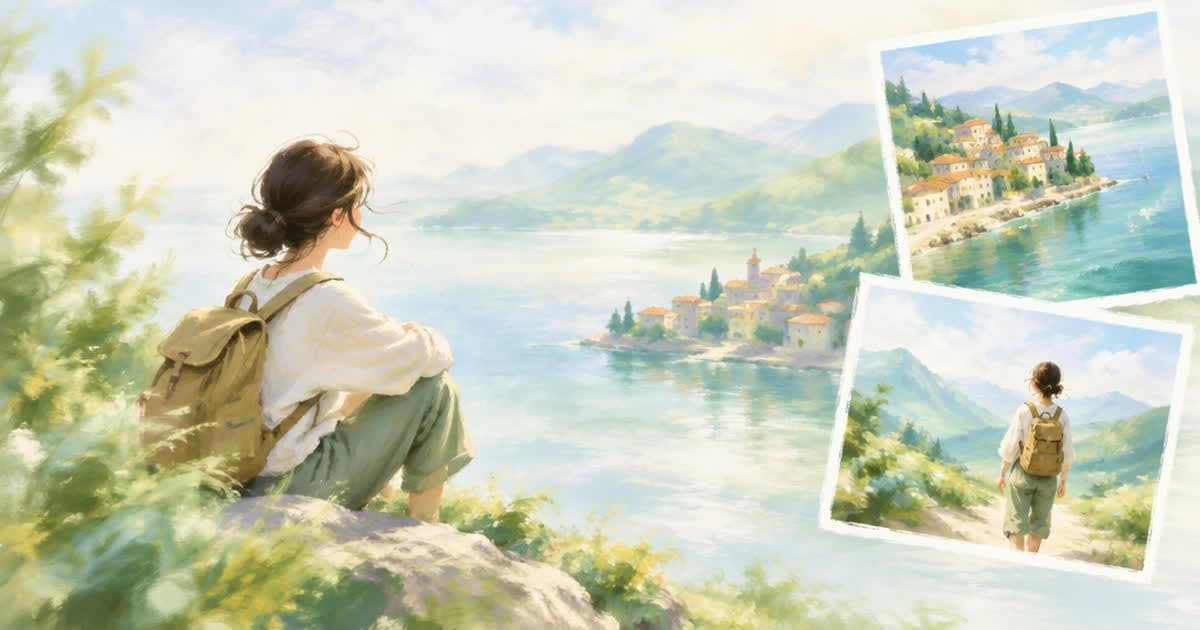
To put one character into several concept art locations, generate each location as its own empty background, then call an editing-capable image model with two references: the location and the character. On Sume that means recraft/recraft-v4 (text-to-image, $0.05) or google/nano-banana-2.1 for the locations, then google/nano-banana-2.1 with two input_references ($0.10 at 1K) for each placement. Four scenes cost about $0.60 at 1K.
The approach follows Recraft's Environment Concept Art guide from October 9, 2026 (read 2026-10-13). Its claim is that a character without a world is a sticker, so you design the world from the character's visual rules and then place her in it.
What does Recraft recommend, step by step?
The guide builds a custom style from the hero image, designs locations with empty foreground space, places the character using the hero as a reference, and repeats props, palette and lighting across scenes. Its most specific claim is that using the environment as one reference image and the hero as another is the most reliable setup, and that environments generated only from described prompts drifted toward a softer, more painterly look than ones based on actual generated location images.
Recraft's custom-style feature is a Studio tool. Sume does not list it, so the style consistency comes from repeating a shared style clause in every location prompt. Keep the foreground of each location empty and low-detail, because that is where the character will be added, and a busy foreground gives the placement call nothing clean to work with.
Which Sume rows do each job?
Locations need only text input, and placement needs references. The catalog on main shows the split.
| Step | Model id | References | Sume price per image |
|---|---|---|---|
| Location (text only) | recraft/recraft-v4 | None; webp output | $0.05 |
| Location (alternative) | google/nano-banana-2.1 | Up to 10 | $0.10 at 1K |
| Place character | google/nano-banana-2.1 | Hero plus location | $0.10 at 1K |
| Final master | google/nano-banana-2.1 | Hero plus location | $0.15 at 2K |
How do I place the hero in a generated location?
Pass the location first and the hero second, and say which is which in the prompt. Ask the model to keep the location unchanged except for the added character, and give the action and the empty area where she should stand. Use aspect_ratio 16:9 for wide scenes; it is in the model's listed ratios.
import os, requests

URL = "https://api.sume.com/v1/images"
HEAD = {"Authorization": f"Bearer {os.environ['SUME_API_KEY']}"}
HERO = "https://example.com/hero.png"
STYLE = "Painted concept art, warm dusk light, teal and amber palette."

def post(body):
    r = requests.post(URL, headers=HEAD, json=body, timeout=60)
    r.raise_for_status()
    return r.json()["data"][0]["url"]

def location(place):
    return post({
        "model": "recraft/recraft-v4",
        "prompt": f"{place}, empty foreground. {STYLE}",
        "aspect_ratio": "16:9",
    })

def place(env_url, action):
    ref = lambda u: {"type": "image_url", "image_url": {"url": u}}
    return post({
        "model": "google/nano-banana-2.1",
        "prompt": ("Image 1 is the location, image 2 is the character. "
                   f"Keep the location unchanged and add the character {action}."),
        "input_references": [ref(env_url), ref(HERO)],
        "aspect_ratio": "16:9",
        "resolution": "1K",
    })

env = location("A lamplit repair workshop above a canal")
print(place(env, "mending a kite at the workbench"))
How do I keep scenes consistent with each other?
Repeat the same STYLE clause in every location prompt, name the recurring props, and keep the lighting words identical. If a scene drifts, add a second character reference such as a turnaround view; the cap is 10 references on Nano Banana 2.1. For building the anchor and sheet first, see consistent character in three steps, and for what Sume lists from Recraft, see Recraft V4.1 Flash on Sume.
What does a four-scene set cost?
Four Recraft V4 locations are 4 x $0.05 = $0.20, and four placements at 1K are 4 x $0.10 = $0.40, so $0.60 in all. Using Nano Banana 2.1 for the locations too makes it $0.80. A failed generation uses no credits. The Image API docs list the current parameters for each model.
Sources
Related posts
More in Use cases
- Poppy Appeal 2026 collection clip: 22 Oct launch to 8 Nov cues
A local group's Poppy Appeal reminder clip: dates from the Royal British Legion's page, then a photo-to-video job and authored cues on Sume.
- St Nicholas Day 2026 is Sunday Dec 6: a 9:16 shoe-and-treat clip
St Nicholas Day is Sunday 6 Dec 2026, with the eve on Saturday. A work-back calendar and a Sume photo-to-video request for a 6-second 9:16 promo clip.
- Seasonal hiring video ad: three 8-second Omni clips for $3.00
Three 8 s 720p seasonal hiring clips cost $3.00 on Sume (Gemini Omni Flash 1.1, $1.00 each). Show the real shop and state the real pay in captions.
- Shichi-Go-San Sun 15 Nov 2026: a photo studio booking clip
Shichi-Go-San falls on Sunday 15 November 2026. A photo studio can turn one portrait-room photo into a short booking clip with image-to-video and cues.
Written by Sume