
Pixal3D multi-view: prepare the input images
Pixal3D added multi-view inference in September 2026 under an MIT license. Sume has no 3D, but reference-image edit can prepare input views.
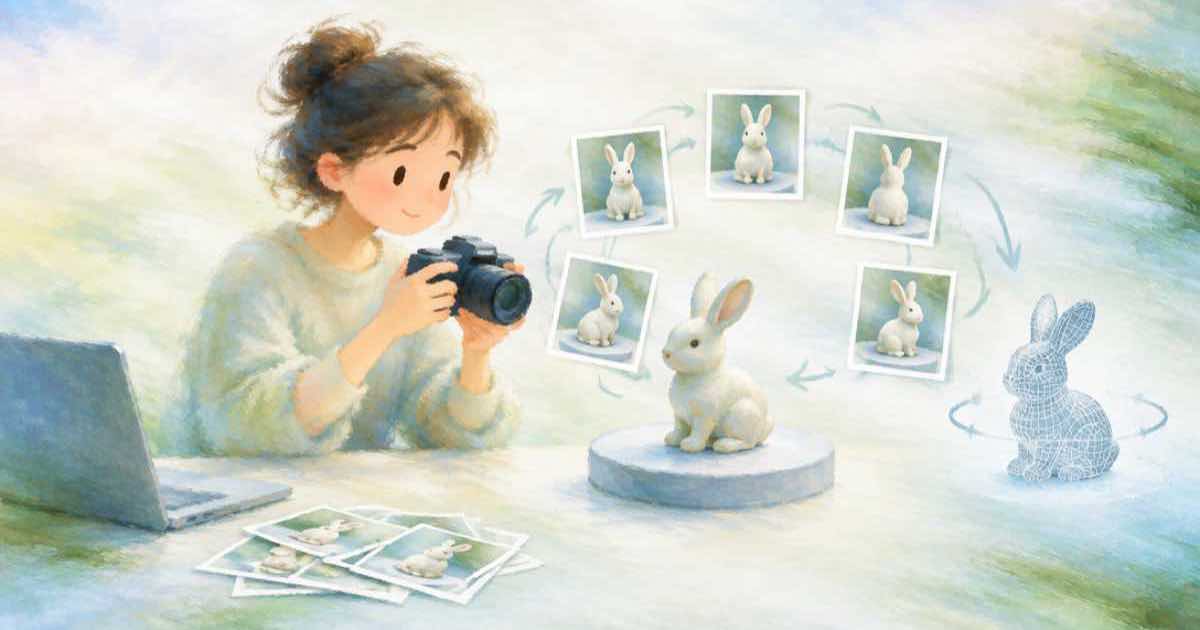
Cinevva's 3D timeline says Pixal3D gained multi-view inference in September 2026, added to its May release, and that it is open source under the MIT license. Pixal3D is not part of Sume, but multi-view 3D models need clean, consistent input views, and Sume's image edit with reference images can help prepare them.
What the timeline reports
The facts below come from one third-party timeline page read on the date shown. Check the project's own repository for installation, hardware needs and the exact input format before you build on it.
| Item | Reported |
|---|---|
| Initial release | May 2026 |
| Multi-view inference added | September 2026 |
| License | MIT |
| Source availability | Open source |
What Sume does and does not do
Sume does not carry Pixal3D or any image-to-3D model, and nothing in its docs produces a 3D mesh. What it does offer is image generation and reference-guided editing. The Image API accepts input_references; the catalog entries for the reference-capable models advertise a range of 0 to 10, and models with a range of 0 to 0 are text-to-image only and reject references.
Reference URLs must be public HTTPS. Check GET /v1/images/models for the model you intend to use before sending references.
Preparing views for a multi-view model
A multi-view model reads several images of the same object. The inputs work best when the object looks the same across them: one object, one lighting, one scale, a plain background and the same framing. Mismatched colour or proportions between views are the usual problem.
With a reference-capable image model you can start from one product photo and ask for the object from another angle on a plain background, keeping the first image as the reference. Review every view next to the others before passing them on, and discard any view in which the shape changed.
- One object, one lighting setup, plain background.
- Same framing and scale across views.
- Generate each view from the same reference.
- Compare views side by side and drop any that drifted.
{
  "model": "your-reference-capable-model-id",
  "prompt": "The same product seen from the left side on a plain white background",
  "input_references": [
    { "type": "image_url", "image_url": { "url": "https://example.com/front.png" } }
  ]
}
Sources
Related posts
More in Models
- PixVerse V6 native audio and camera work: what to check in an API
PixVerse's blog lists V6 with camera work and native audio, plus R2 and a $439M Series C total. How to test those claims against any video API's catalog.
- PixVerse V6 adds native audio: which Sume video ids make sound
PixVerse V6 ships camera work and native audio. The Sume video docs name no PixVerse id, so here is how to find models that generate audio and read the flag.
- Qwen-Image-2.1 is non-commercial: hosted options
Qwen-Image-2.1 has open weights but a Qwen Research License that is non-commercial unless licensed. Check the license first, then the hosted catalog.
- Repeated image edits without drift: a native-resolution test plan
Recraft says Ideogram 4.5 is built for stable repeated edits at native resolution without downsampling. A five-pass test to check any edit model for drift.
Written by Sume