
One-color stencil from an AI image: Pillow threshold for screen print
Make a one-ink stencil from a Sume image with autocontrast, a blur, and a threshold point() call. Pick the cutoff by pixel share, not by guesswork.
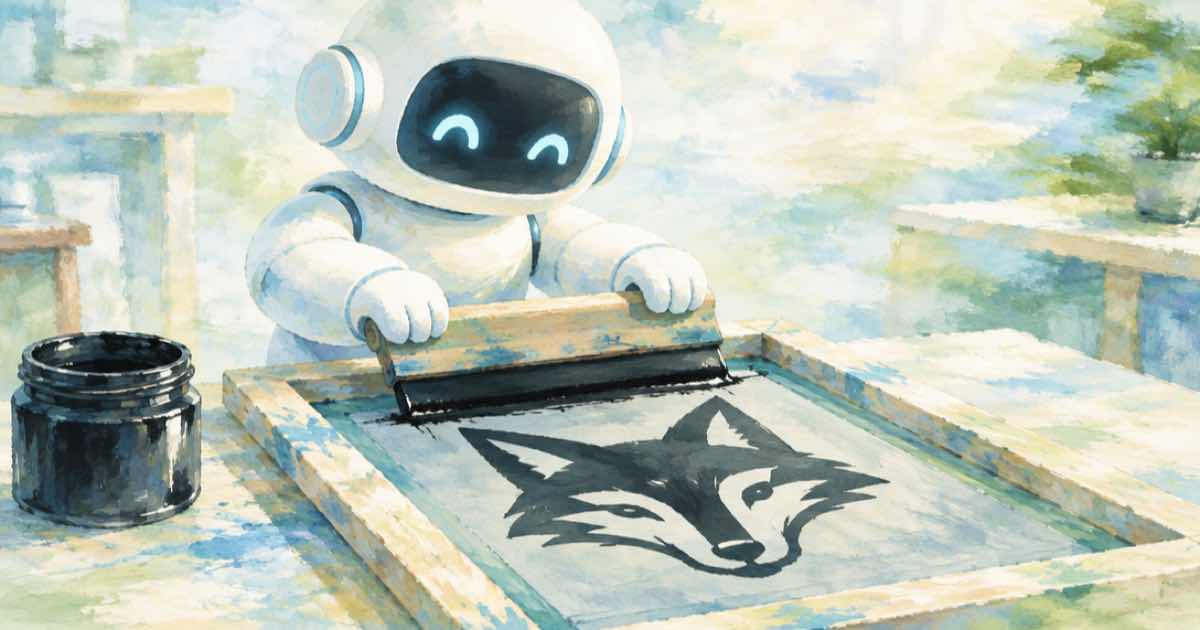
Convert to grayscale, blur lightly, and apply point(lambda v: 255 if v > T else 0) with a cutoff T, then convert to mode 1. The output has two states only, which is what a one-color stencil, vinyl cut, or screen print needs. Choose T so the black share lands between about 25 and 45 percent, instead of guessing a number like 128.
What a stencil needs
A screen printer wants solid areas of one ink and clean gaps. Anti-aliased gray edges are a problem, since a screen cannot hold them. A threshold forces every pixel to ink or no ink.
Generate with a prompt that already helps: bold shapes, high contrast, a plain light background, no fine shading. A model that is asked for a woodcut or linocut look gives you a head start. The picture still needs to be thresholded, because even a woodcut look contains grays.
Choose the cutoff from the histogram
A fixed cutoff of 128 is a poor default. A dark image turns solid black and a light image turns blank. The code instead walks cutoffs and picks the first one where the dark share reaches a target, here 35 percent.
import os, io, requests
from PIL import Image
H = {"Authorization": "Bearer " + os.environ["SUME_API_KEY"]}
def gen(**body):
    r = requests.post("https://api.sume.com/v1/images", json=body, headers=H, timeout=60)
    r.raise_for_status()
    if r.status_code == 202:
        raise SystemExit("queued, read /v1/jobs/{id}/result: " + r.text)
    return r.json()
def fetch(u):
    return Image.open(io.BytesIO(requests.get(u, timeout=60).content))
from PIL import ImageFilter, ImageOps
out = gen(model="bytedance-seed/seedream-4.5", aspect_ratio="1:1",
          prompt="Bold linocut print of a fox head, thick shapes, plain white background")
g = ImageOps.autocontrast(fetch(out["data"][0]["url"]).convert("L"))
g = g.filter(ImageFilter.GaussianBlur(1.2))
hist, total, run, T = g.histogram(), g.width * g.height, 0, 128
for v in range(256):
    run += hist[v]
    if run / total >= 0.35:
        T = v
        break
stencil = g.point(lambda v: 255 if v > T else 0).convert("1")
stencil.save("stencil.png")
print("cutoff", T, "cost", out["usage"]["cost"])
Tuning the look
Two knobs change the result: blur radius before the threshold and the dark-share target after.
| Goal | Blur radius | Dark share target | Effect |
|---|---|---|---|
| Fine detail, vinyl cut | 0.5 | 0.25 | Thin lines, many islands |
| Bold screen print | 1.2 | 0.35 | Solid shapes |
| Chunky block print | 2.5 | 0.45 | Heavy shapes, little detail |
Cleanup before you send it
- Small specks (islands) are hard to cut and to burn onto a screen. Increase blur or remove them with a median filter such as
ImageFilter.MedianFilter(5)before thresholding. - Save as PNG in mode
1. JPEG would add gray ringing. - Check the physical size. A 1024 pixel stencil printed at 8 inches is 128 dpi, which is soft for fine lines. Generate larger or vectorize the result in a dedicated tool.
- Invert with
ImageOps.invertif your process needs ink where the image is light.
Related
The no-JPEG rule applies here too, see save PNG between passes. Once the stencil is fixed, derive other sizes from one master with the srcset recipe, and check any brand color of the ink with the delta E script.
Sources
Related posts
More in Media tools
- One voice-over under ten AI shots: Timeline spine and start times
Put one narration track under ten AI video shots on Sume Timeline: video[0].start is 0, later starts increase, and the last shot may end up to 0.5 s early.
- Perfume unboxing captions with the scent names spelled right
Fix mis-heard product names in auto-captions by sending script_text: Sume keeps the speech timings and burns your spelling, $0.20 per clip up to 60 seconds.
- Pet adoption video music: a 30-second hopeful shelter bed
Brief a 30-second hopeful acoustic bed for a shelter's pet adoption appeal: one generation and a one-minute render, $0.225 on Sume.
- Pick the cleanest last frame: sample 24 stills before chaining
Before chaining AI clips, sample up to 24 stills with Sume video frames (fps up to 2) and choose the best one as the next first_frame, not just the last.
Written by Sume