
Nova Canvas outpainting DEFAULT vs PRECISE, and a Sume ratio edit
Nova Canvas outPaintingMode DEFAULT can leave a halo; PRECISE follows the mask. Here is how to extend a photo on Sume, and how to test the seam.
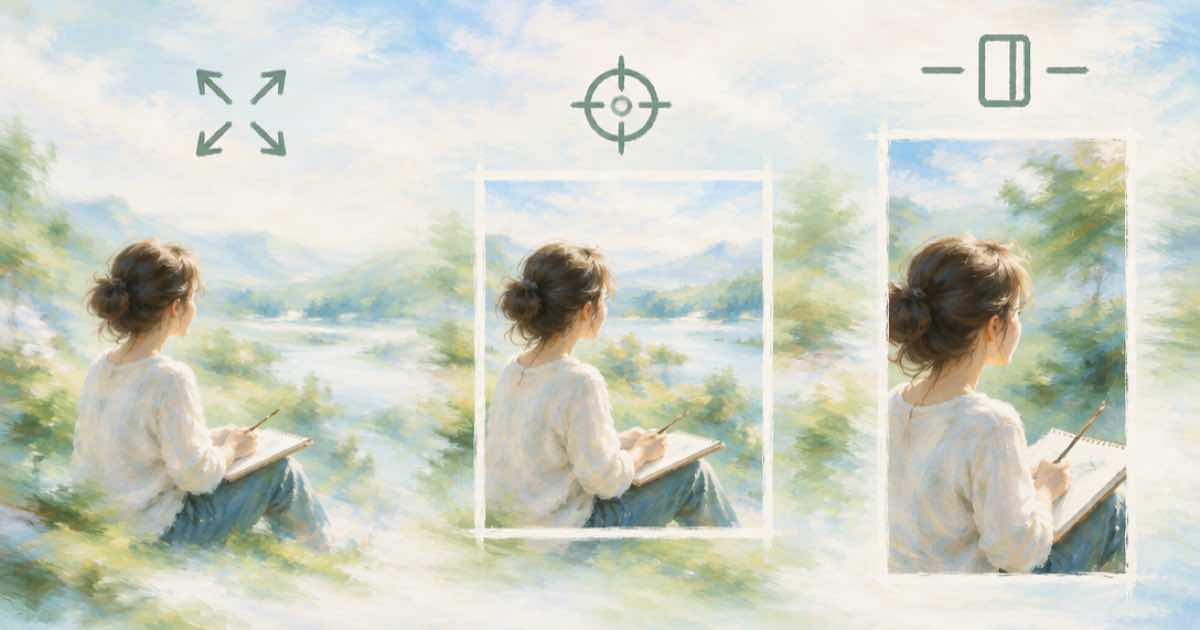
Outpainting means making a picture wider or taller than the photo you have. Amazon Nova Canvas has a dedicated OUTPAINTING task for it, with a mode switch. Sume has no outpaint task, so the question is what to send instead and how to check the seam.
The two Nova Canvas modes
Per Amazon's docs (read 2026-10-06), outPaintingMode is DEFAULT or PRECISE. DEFAULT can leave a visible halo around the original image. PRECISE adheres strictly to the mask. Outpainting also reverses the inpainting mask convention, so check the user guide before you build the mask.
What Sume does
On Sume you send the photo in input_references and set an aspect_ratio that differs from the source. The Image API docs say an Ideogram 4.5 edit with no aspect_ratio keeps the source shape, which means that setting one is how you change it. The docs do not promise that the original pixels stay unchanged in the middle, so treat the result as a new render and test it.
For models with aspect_ratio in their catalog row you can read the allowed values from GET /v1/images/models/{id}/endpoints.
Test the seam instead of trusting a mode
Crop the centre of the output at the source's aspect and compare it with the source. A mean absolute difference near zero means the middle was kept. A larger number means the model repainted it, and you should not use that route for packshots where the product must not change.
import io, os, requests
import numpy as np
from PIL import Image

SRC = "https://example.com/shoe.jpg"
r = requests.post("https://api.sume.com/v1/images",
    headers={"Authorization": f"Bearer {os.environ['SUME_API_KEY']}"},
    json={"model": "ideogram/ideogram-v4.5", "aspect_ratio": "16:9",
          "prompt": "Extend the scene to the left and right. Do not change the shoe.",
          "input_references": [{"type": "image_url", "image_url": {"url": SRC}}]},
    timeout=90)
r.raise_for_status()
src = Image.open(io.BytesIO(requests.get(SRC).content)).convert("RGB")
out = Image.open(io.BytesIO(requests.get(r.json()["data"][0]["url"]).content)).convert("RGB")
w, h = out.size
sw = round(h * src.width / src.height)
x0 = (w - sw) // 2
mid = out.crop((x0, 0, x0 + sw, h)).resize(src.size)
diff = np.abs(np.asarray(mid, float) - np.asarray(src, float)).mean()
print("mean abs diff:", round(diff, 2))
Run it on five of your own photos before you pick a route. The result depends on the picture, not on the mode name.
Sources
Related posts
More in Comparisons
- Nova Canvas virtual try-on mergeStyle: BALANCED, SEAMLESS, DETAILED
Nova Canvas try-on has three mergeStyle values with different trade-offs. What each protects, and the closest Sume route with a pixel diff to check it.
- Sora API ended: which Sume route replaces a talking presenter clip?
OpenAI's Sora API ended 2026-09-24. For a presenter who says exact words, the replacement is a still-plus-audio or avatar route, not a video model.
- Seedance 2, Omni or Wan 3.0 for 9:16 ads on Sume: how to choose
Three Sume video models side by side for vertical ads after Sora: clip length, resolutions, 9:16 in the docs, references, and the price of a 5 s clip.
- Sync.so $0.05 a second vs Sume H3 Max lip sync: rates side by side
Sync.so lists $0.05 to $0.04 a second on four plans; Sume H3 Max lip sync derives $0.0625, $0.10 and $0.20. What each rate buys.
Written by Sume