
LRC lyrics file from an AI music track: Sume STT segments in Python
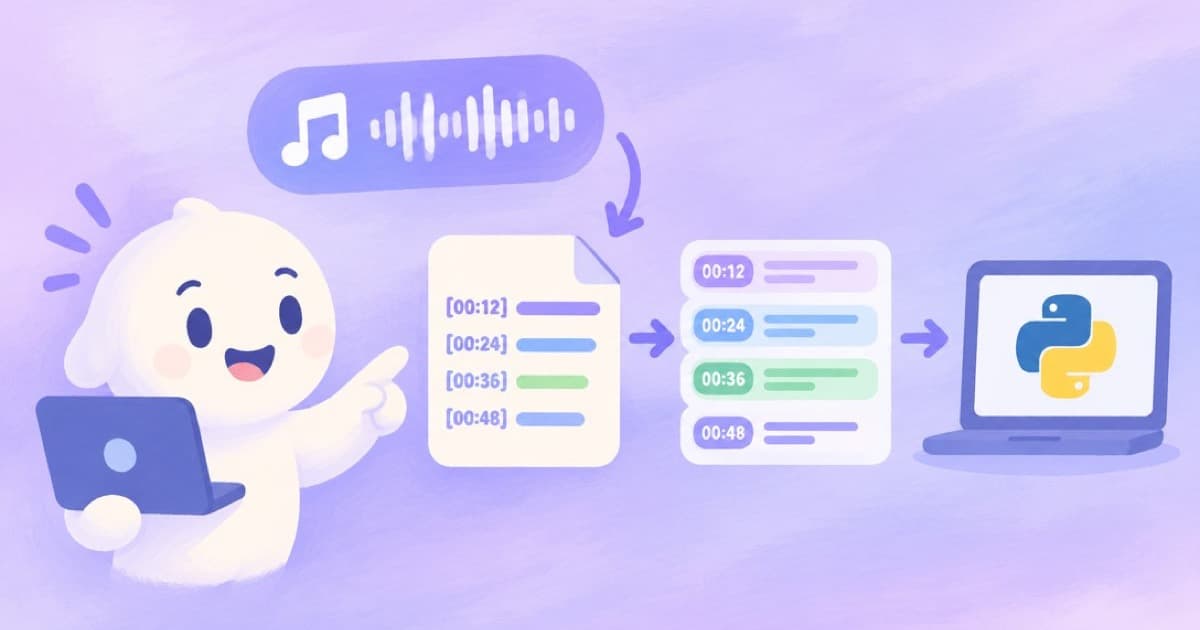
YouTube accepts .lrc lyric files. A short Python script turns STT sentence segments from a generated song into [mm:ss.xx] lines. Check results before upload.
Why an LRC file
YouTube's subtitle help page lists .lrc among the supported subtitle and caption file types. LRC is a line-per-lyric format used for synced lyrics, with a bracketed time before each line.
Sume's Music Router result carries the lyrics in result.lyrics, either as a section map or as lyrics text, but those lyrics have no times. To get times, run the finished track through STT 1.0 with sentence segmentation.
Two sources of lyrics, and the caveat
You have two candidates for the text: the lyrics the music job returned, or what STT hears. They differ. STT transcribes what it can recognise, and singing over instruments is harder than a spoken voice, so expect misses, repeated lines and mistakes.
That makes this a draft generator, not a finished product. Treat the output as a starting file you proofread against the real lyrics. I have not verified STT accuracy on sung vocals, so check every line.
| Source | Has times | Matches intended lyrics |
|---|---|---|
Music job result.lyrics | No | By design |
| STT 1.0 sentence segments | Yes | Not guaranteed on singing |
| Merged by you after proofreading | Yes | Yes if you fix the text |
The script
The script converts segments into LRC lines using start times. Replace the sample with your job's segments.
def stamp(sec):
    cs = round(sec * 100)
    m, cs = divmod(cs, 6000)
    s, cs = divmod(cs, 100)
    return f"[{m:02d}:{s:02d}.{cs:02d}]"

segments = [
    {"text": "City lights are calling", "start": 12.4, "end": 15.9},
    {"text": "Hold on, don't let go", "start": 15.9, "end": 19.3},
]
lrc = "\n".join(stamp(s["start"]) + s["text"] for s in segments)
open("song.lrc", "w", encoding="utf-8").write(lrc + "\n")
print(lrc)
Making it better
- Replace each recognised line with the matching line of the real lyrics, keeping the time.
- Delete lines STT produced for instrumental sections.
- Listen with the file in a player that supports LRC before uploading.
- Keep the track as a wav when you can, since compressed audio is a worse input for recognition. See wav vs mp3.
Using the generated lyrics as the text
A better workflow keeps your intended lyrics as the text and uses STT only for times. Match each lyric line to the nearest recognised segment by order, and copy the segment start time to the line. Where counts differ, align by hand.
This is slower than accepting recognition output but gives a file that reads correctly. For a one-off release it is worth the ten minutes.
Cost
The music generation is a fixed $0.125 per job and STT is $0.01 per audio minute, so a 3-minute track costs about $0.03 to transcribe. The API pricing page holds the live book.
Sources
Related posts
More in Developers
- Luma Agents API polling: 20 s wait, 10-minute video timeout, and Sume
Luma's quickstart says wait 20 seconds, then poll, with a hard 2-minute image and 10-minute video timeout, not backoff. A matching Sume loop that actually runs.
- Luma Ray 2 to Ray 3.2 migration: the field map and what changes
Luma is retiring Ray 3, Ray 2, Ray 2 Flash and more for ray-3.2 on one /v1/generations endpoint. The field map, the poll-only change, and Sume's contrast.
- macos-14 brownouts from Oct 5: rerun a Sume submit with the same key
GitHub's macos-14 runners fail on purpose in brownout windows before the 2026-11-02 retirement. Derive a stable Idempotency-Key so a re-run does not bill twice.
- MAI-Transcribe-2-Streaming Realtime API: events vs Sume job URLs
Microsoft's streaming transcriber uses a WebSocket with delta, intermediate and commit events. Sume STT takes a file URL and returns a job. A side-by-side.
Written by Sume