
Hotel room tour from two photos: first and last frame API
Turn a door photo and a window photo into a 6-second room walkthrough with frame_images. Ten rooms cost $6.00 to $8.40 on Sume, Seedance 2.5 $34.70.
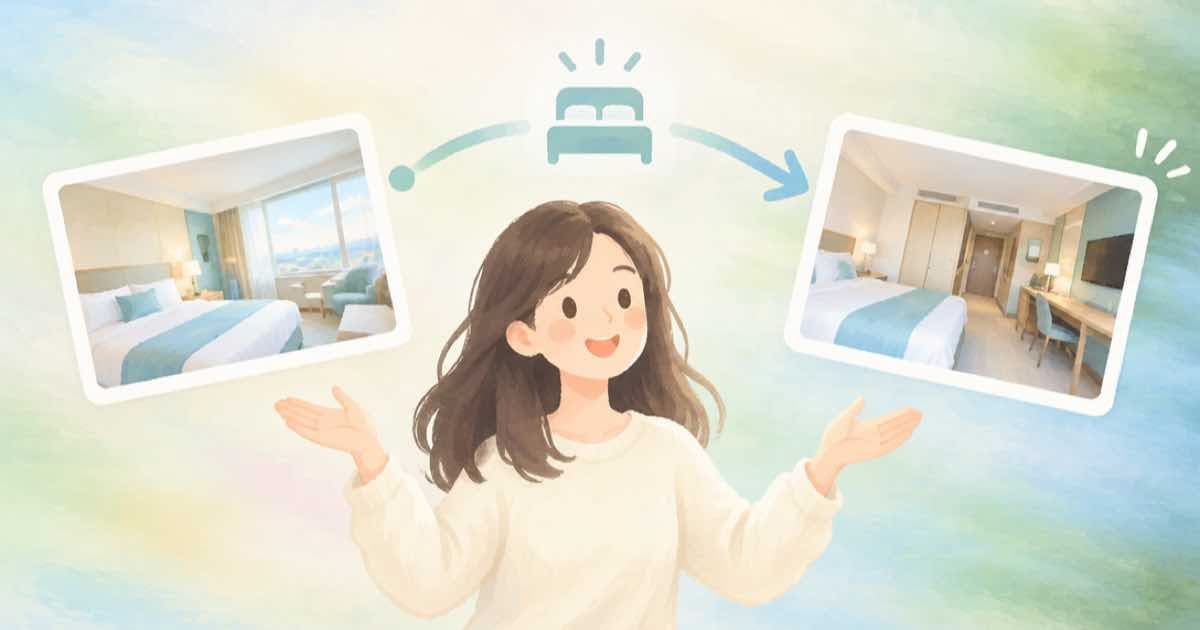
To make a room tour from photos, send two pictures of the same room as a first frame and a last frame, and let a video model generate the camera move between them. On Sume you pass them as frame_images with frame_type first_frame and last_frame; a 6-second clip at 720p costs $0.60 on MiniMax H3 Max, $0.75 on Wan 3.0 or Gemini Omni Flash 1.1, and $0.84 on Kling with sound off.
Ten rooms is therefore $6.00 to $8.40 on those models, or $34.70 on Seedance 2.5. Every row in the table accepts an end frame.
Which models take a last frame
The Sume catalog marks end_frame as supported on Seedance 2.5, Wan 3.0, Kling Video v3 Pro, MiniMax H3, MiniMax H3 Max and Gemini Omni Flash 1.1. Grok Imagine Video 1.5 is image-to-video only and takes no end frame, so it is out for this job. The vendor image-to-video pages on fal (Wan 3.0, Kling) describe the same start-frame input.
| Model | Sume rate per second | One clip | Ten rooms | Allowed duration |
|---|---|---|---|---|
| MiniMax H3 Max (768p) | $0.10 | $0.60 | $6.00 | 5 to 15 s |
| Wan 3.0 | $0.125 | $0.75 | $7.50 | 2 to 30 s |
| Gemini Omni Flash 1.1 | $0.125 | $0.75 | $7.50 | 3 to 10 s |
| Kling Video v3 Pro (sound off) | $0.14 | $0.84 | $8.40 | 4 to 15 s |
| Seedance 2.5 (1280x720) | token-based | $3.47 | $34.70 | 4 to 30 s |
Choose the two photos so the move is believable
The model invents everything between your frames. If the door photo and the window photo show the same room from compatible heights, a smooth dolly is easy to imagine. If they show different rooms, you get a morph. Shoot or crop both photos at the same eye level and the same aspect ratio as the output.
Do not use a last frame that contains a person unless the first frame has the same person. A mismatch is the most common reason a transition looks wrong.
Prompt and settings
- Describe the camera, not the room: "slow dolly forward, no cuts, steady daylight".
- Say what must not change: "keep furniture and layout exactly as in the photos".
- Use 5 to 8 seconds. Longer clips give the model more time to drift away from the real room.
- Keep the resolution at 720p for the tour and render 1080p only for the hero room.
- Add no music prompt unless you want it: Omni Flash and H3 Max generate audio you may mute in your editor.
The request
frame_images is the field for first and last frames in the OpenRouter-shaped video API. If you also send input_references, the API treats the job as image-to-video and frame_images wins.
import os
import time

import requests

API = "https://api.sume.com/v1/videos"
HEADERS = {"Authorization": "Bearer " + os.environ["SUME_API_KEY"]}
body = {
    "model": "wan-3.0",
    "prompt": "Slow dolly from the room entrance to the balcony window, steady daylight, no people",
    "duration": 6,
    "resolution": "720p",
    "frame_images": [
        {"type": "image_url", "image_url": {"url": "https://example.com/room-door.jpg"}, "frame_type": "first_frame"},
        {"type": "image_url", "image_url": {"url": "https://example.com/room-window.jpg"}, "frame_type": "last_frame"},
    ],
}
job = requests.post(API, headers=HEADERS, json=body, timeout=60)
job.raise_for_status()
poll_url = job.json()["polling_url"]
while True:
    state = requests.get(poll_url, headers=HEADERS, timeout=60).json()
    if state["status"] in ("completed", "failed", "cancelled"):
        break
    time.sleep(10)
print(state["status"], state.get("usage"), state.get("unsigned_urls"))
What to check before publishing
Listings have to match the property. A generated move between two real photos is still an artistic render, so compare it to the room and cut anything that adds a window, a door or furniture that is not there. Keep the originals next to the clip in your review step. If a render drifts, shorten the clip or choose frames that sit closer together.
Sources
- fal: Wan 3.0 image-to-video (read 2026-10-07)
- fal: Kling Video v3 Pro image-to-video (read 2026-10-07)
- fal: Gemini Omni Flash 1.1 image-to-video (read 2026-10-07)
- fal: Seedance 2.5 image-to-video (read 2026-10-07)
- fal: MiniMax H3 Max text-to-video (read 2026-10-07)
- Sume docs: Video generation
- Sume docs: Video Router
Related posts
More in Use cases
- House cleaning before-and-after reel with the sume-before-after Format
A cleaning company can turn a before photo and an after photo into a reveal video with one Format call. What to send, what to cap, and what it cannot prove.
- How to shoot 1 to 4 person photos for H3 Max Recast
Photo guidance for Recast references on Sume: one photo per new person, framing, light and angle. What the route takes and what to check before you submit.
- HVAC seasonal promo: 12 neighborhood versions in one Format bulk run
A heating and cooling company can queue a furnace-tune-up promo for 12 neighborhoods in one bulk run: concurrency, per-item input, and a spend cap per run.
- Image-to-image vs image edit on an API: one route, five fields
On Sume, image-to-image and image edit are one POST /v1/images call. The fields that decide the result: input_references, aspect_ratio, mask_url, quality, n.
Written by Sume