
Handbag product photos: hardware close-up as a second reference
Keep clasps, zips and stitching accurate in AI handbag photos: send the full bag and a hardware close-up as two references to Sume's image API. Checks included.
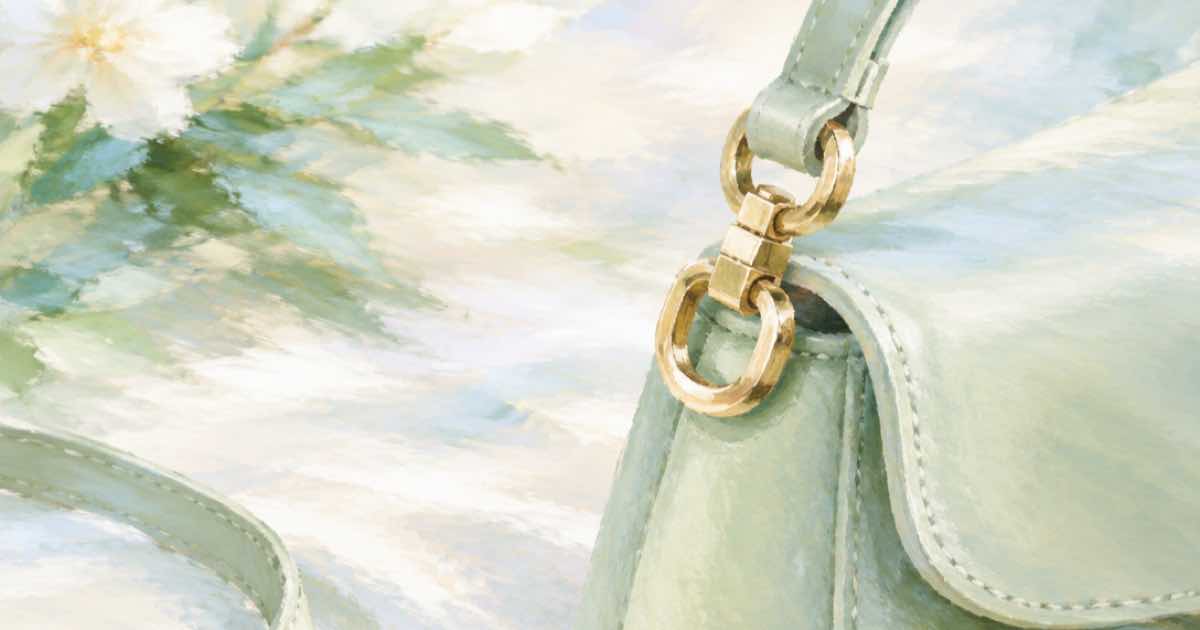
A handbag's value sits in small parts: the clasp, the zip pull, the stitching and the strap anchor. A generated lifestyle photo that gets the shape right and the hardware wrong sends customers to the returns desk. The remedy is cheap: give the model a second reference of the part.
Sume's Image API runs openai/gpt-image-2.5 with up to 16 input references, so a full-bag shot and a close-up travel in the same request.
Two references, two jobs
Image 1 gives silhouette, colour and proportions. Image 2 gives the hardware. Say so, and describe the scene you want around the bag, not the bag.
import os, requests

H = {"Authorization": f"Bearer {os.environ['SUME_API_KEY']}"}
resp = requests.post("https://api.sume.com/v1/images", headers=H, timeout=90, json={
    "model": "openai/gpt-image-2.5",
    "prompt": "Image 1 is a leather tote bag. Image 2 is a close-up of its gold clasp and stitching. Photograph the same bag on a cafe table beside a coffee cup, soft window light. Keep the shape, colour, clasp and stitching exactly as in the references.",
    "input_references": [
        {"type": "image_url", "image_url": {"url": "https://example.com/tote-full.jpg"}},
        {"type": "image_url", "image_url": {"url": "https://example.com/tote-clasp.jpg"}}
    ],
    "aspect_ratio": "auto",
})
resp.raise_for_status()
if resp.status_code == 202:
    raise SystemExit("job envelope: poll data.status_url")
body = resp.json()
print([d["url"] for d in body["data"]], body.get("usage"))
A QC list for bags
| Check | Compare against | Reject if |
|---|---|---|
| Clasp shape and finish | Close-up reference | Shape or metal colour differs |
| Stitch lines | Full-bag reference | Lines move or double |
| Strap count and attachment | Full-bag reference | A strap is added, lost or merged |
| Logo placement | Both references | Text is garbled or moved |
Scale the scene, not the bag
To get five scenes from one pair of references, use the n parameter: Sume allows up to 10 per call, with lower ceilings on some models, so read the model's n range from its descriptor first. Log usage.cost per call. Keep the original photographs as the product page's anchor shots, and use the generated scenes for ads and social, where the bag is part of a mood and not the only evidence.
Before you run a catalog
Run one SKU end to end first. POST /v1/images returns the images directly when it finishes within 30 seconds; past that it returns a 202 envelope with status_url and result_url, which the jobs and results guide explains. Handle that branch before you loop over a catalog, and write each result's URL and usage.cost to a file keyed by SKU, so a failed run restarts where it stopped and nothing is paid for twice.
Sources
Related posts
More in Use cases
- Hat and cap try-on API: one selfie, one call per colorway
Let shoppers see a cap or beanie on their own head: one selfie plus one product photo per colorway, a cache key per shopper, SKU and colour, and a cost log.
- Haunted house ticket teaser: three stills, one 18 s render, $2.68
A haunted house or trail promo from three photos: Wan 3.0 clips at $0.125 a second, a Timeline render, a music bed and burned-in dates. $2.675 in total.
- Headphone and earbud product photos: logo and orientation QC
Make headphone or earbud lifestyle shots with Sume's image API, then catch flipped logos, wrong earcup sides and cable errors with a Pillow contact sheet.
- HeyGen Free: 3 videos of 1 minute to test a script
HeyGen's Free plan lists 3 videos a month up to a minute. Use them to judge a script's pacing, then check it against Sume's 4 to 60 second window.
Written by Sume