
GitHub Actions: submit a 30 s video, jobs watch, upload the artifact
A workflow that posts to Sume.s /v1/videos, runs sume jobs watch with a timeout, downloads the clip and uploads it as a build artifact.
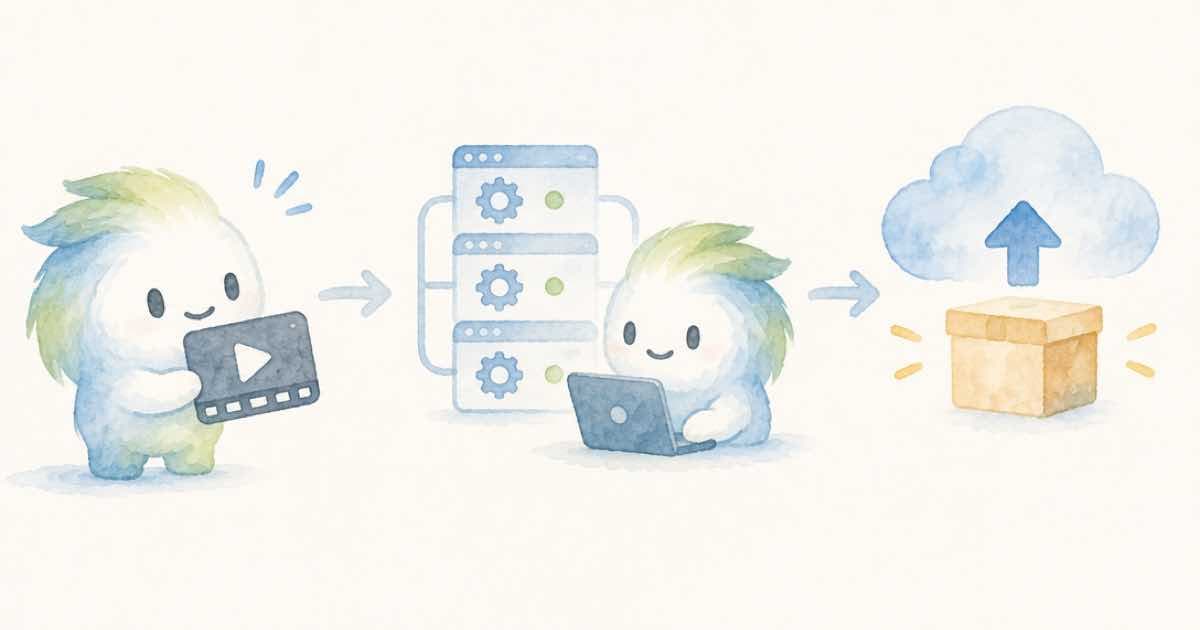
In a GitHub Actions job, submit the render with curl, hand the id to sume jobs watch, then sume jobs download and actions/upload-artifact. The Sume CLI does the long wait, and the workflow's own timeout-minutes bounds it, so a 30-second render does not hold a runner forever.
Keep the API key in a repository secret and read it through env, never in the command line.
Why split submit from watch
The video models are API-first on the CLI, so the submit is a plain HTTP call. The CLI then recovers any Image, Video, or Music job created through the Developer API. If the runner is cancelled or times out, the job continues and bills, and the printed id lets you run the same two commands from a laptop later.
| Step | Tool | Why |
|---|---|---|
| Submit | curl to POST /v1/videos | Video models are API-first |
| Wait | sume jobs watch | Polls to terminal or timeout |
| Save | sume jobs download | Writes media to a folder |
| Keep | upload-artifact | Stores it with the run |
The workflow
This uses Wan 3.0 at 480p for 30 seconds, about $1.88 on Sume, so a test run in CI stays cheap. Change the model and resolution deliberately.
name: render-clip
on: workflow_dispatch
jobs:
  render:
    runs-on: ubuntu-latest
    timeout-minutes: 30
    env:
      SUME_API_KEY: ${{ secrets.SUME_API_KEY }}
    steps:
      - name: Install CLI
        run: curl https://cli.sume.com/install -fsS | bash && echo "$HOME/.sume-com/bin" >> "$GITHUB_PATH"
      - name: Submit
        run: |
          id=$(curl -fsS https://api.sume.com/v1/videos \
            -H "Authorization: Bearer $SUME_API_KEY" -H "Content-Type: application/json" \
            -d '{"model":"wan-3.0","duration":30,"resolution":"480p","prompt":"A paper boat in the rain"}' | jq -r .id)
          echo "JOB=$id" >> "$GITHUB_ENV"
      - name: Watch and download
        run: sume jobs watch "$JOB" && sume jobs download "$JOB" --output-dir out
      - uses: actions/upload-artifact@v4
        with: { name: clip, path: out }
Things to check
- The installer puts
sumein~/.sume-com/bin, which is why the step appends it to the path. sume jobs watchends at a timeout without being a failure. If it times out before the job is terminal,downloadwill have nothing; the job is still running.- Pin the CLI to a release tag if you need a reproducible build.
- Never print the key. Secrets are masked in logs, but a derived value may not be.
Cost and safety
A manually dispatched workflow is safer than one that runs on every push, because each run is a paid render. Use workflow_dispatch or a schedule you chose on purpose, and keep a low default model and resolution.
Set timeout-minutes so a stuck wait cannot burn runner minutes forever. If it fires, the render may still be running on Sume's side, so the job id in the log is what you need to recover it.
Restrict the secret to the workflows that need it, and prefer an environment with required reviewers when the render is expensive. A 30-second Seedance 2.5 clip at 1080p is $42.65, which is not what you want a stray branch to spend.
Making failures readable
Add a final step with if: failure() that prints the job id and the output of sume jobs status for it, with the --agent --json flags. The next person to open the run then sees the state of the render, not just a red cross.
If you need the clip in your own storage rather than as a workflow artifact, add one more step after the download that uploads the folder to your bucket. Artifacts expire on GitHub's schedule, so they are a hand-off, not an archive.
Sources
Related posts
More in Developers
- GitHub wants a 2XX in 10 seconds, Sume times out at 10: dedupe both
GitHub and Sume both give a webhook receiver 10 seconds. GitHub reuses X-GitHub-Delivery on redelivery; with Sume, use job_id as the dedupe key.
- Gitleaks custom rule for sume_live_ API keys, with pre-commit
Add a gitleaks rule that matches sume_live_ keys, run it as a pre-commit hook, and know what to do within minutes if a Sume key does leak.
- Go: decode a Sume WebP image with golang.org/x/image/webp
Go's image package decodes PNG and JPEG out of the box; WebP needs golang.org/x/image/webp. Decode a Sume image URL and read its size without a re-encode.
- Go client for a ported Sora worker: submit, poll, download
A standard-library Go program that submits to Sume POST /v1/videos, polls until the job is terminal, and saves the mp4. Replaces a Go wrapper around Sora.
Written by Sume