
Gemini CLI untrusted tool output provenance: Sume results as data
Gemini CLI 0.60 and 0.61 release notes name fixes for untrusted tool output and indirect prompt injection. Keep Sume write tools behind scope and caps.
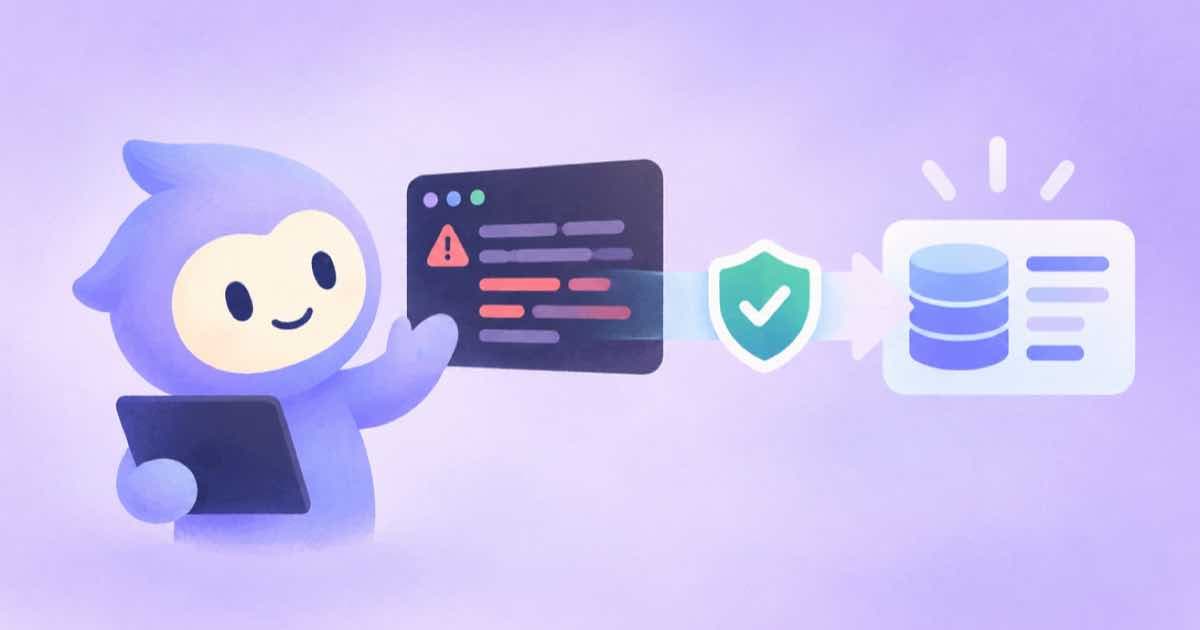
Gemini CLI's recent release notes name two prompt-injection fixes: version 0.60.0 lists "enforce envelope metadata provenance for untrusted tool outputs", and 0.61.0 lists "prevent indirect prompt injection via build file modifications and untrusted flags" (v0.60.0 and v0.61.0, read 2026-10-04). The release notes give titles only, so check the pull requests for mechanics. The practical rule for Sume users is the same either way: content that comes back from a tool is data, and write tools should sit behind a scope and a cap.
Where untrusted text enters a Sume workflow
Some Sume tools return content from places you do not control. The crawl tools, such as crawl_scrape and crawl_search, return page text. Speech-to-text returns transcripts of audio someone else recorded. A prompt hidden in that text is an instruction to the model unless the client marks the text as untrusted, which is what the provenance fix is about.
| Source of text | Risk | Sume-side control |
|---|---|---|
| Page text from a crawl tool | Hidden instructions in a page | Read-only OAuth session cannot call write tools |
| Transcript from stt_create | Spoken or captioned instructions | A paid call still needs idempotency_key; add max_spend_usd |
| Your own data sent to Agent Completions | Instructions inside a customer field | input is treated as data, never as instructions |
How Agent Completions treats your data
For work you start through the API, Agent Completions separates the instruction from the data. The input object is written whole to a file in the agent's workspace, and the prompt carries only a bounded pointer to it. Sume's docs state that input is treated as data, never as instructions (Agent Completions).
The generation_spend_cap_usd field has no default and is required, because an unattended agent has no spend-approval prompt. Set it to the most you would pay for one run.
A defensive setup for a CLI that reads the web
Connect with OAuth read-only while the agent browses or transcribes. That way, an injected instruction that asks for a paid render cannot succeed, because mutating tools are hidden and a call returns insufficient_scope. Move to a write session only for the step that generates, and preview with dry_run first (MCP tools and gates).
- Browse and transcribe in a read-only session.
- Generate in a separate write session with
max_spend_usdon every call. - Never paste signed URLs or tokens into the transcript the model sees.
What these release notes do not tell you
The two entries are release-note titles. They do not specify which tools are marked untrusted or how a model is told. Do not assume a Sume result is safe to obey because a client added provenance; keep the scope and cap controls in place regardless.
Sources
Related posts
More in Developers
- Omni Flash prompts in English, captions in your language
Google says Omni fully supports English; other languages are unevaluated. Prompt in English, then add captions in your language with Sume's captions API.
- Gemini Omni Flash resolution: "4K" or "4k" on Sume
Sume accepts 4k as an alias of 4K for Gemini Omni Flash 1.1 and translates it to the lowercase token fal expects. Billed rate and Google's 4K caveat.
- GitHub Actions and Sume: secret setup and a smoke test
Store SUME_API_KEY as a GitHub Actions secret, never echo it, and run sume account get --json as a read-only smoke test in a manually triggered workflow.
- A Go client for Sume from OpenAPI, with Retry-After
The docs list only a TypeScript SDK. Generate a Go client from the live OpenAPI schema, send x-api-key, and back off on 429 with retry-after.
Written by Sume