
Fix an underexposed photo: curves first, AI edit only if needed
Underexposed photo? Try Pillow autocontrast and gamma for free, then an ideogram/ideogram-v4.5 edit at $0.075 only if noise or colour needs more.
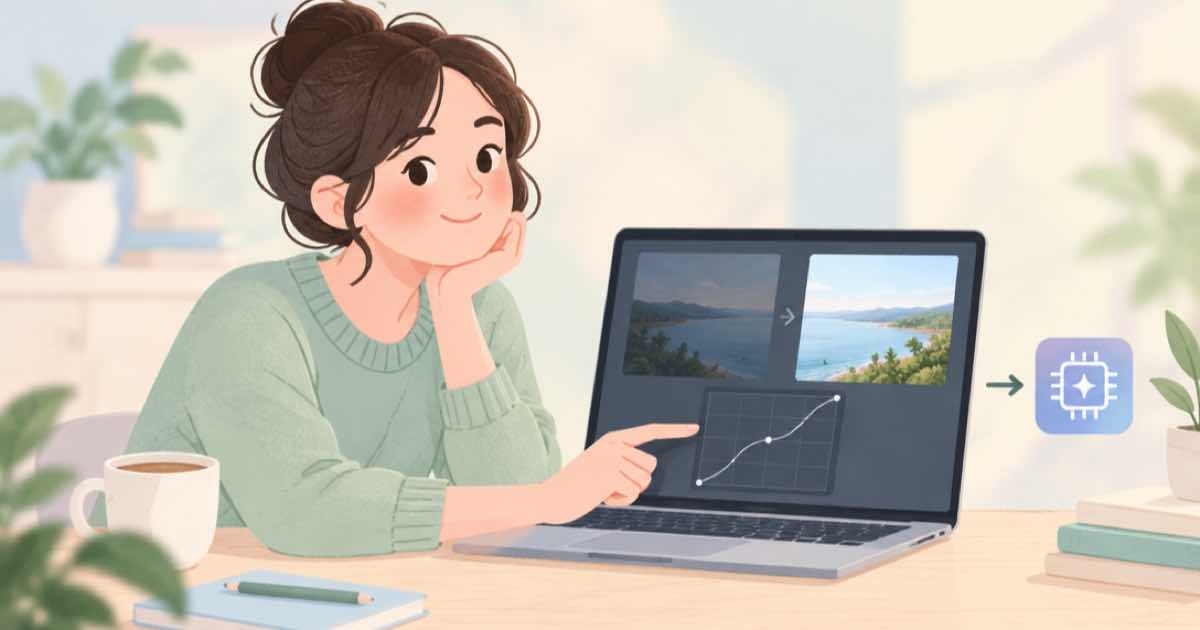
For an underexposed photo, start with a free tone fix in Pillow: stretch the levels with autocontrast and lift the mid-tones with a gamma curve. If the result still looks muddy or noisy, send it to ideogram/ideogram-v4.5 as a one-reference edit asking for natural lighting, which on Sume costs $0.075 at medium. Ideogram says 4.5 reduces drift across multi-turn edits, but a tone fix needs no model at all in many cases, so try the cheap route first.
The advantage of a deterministic fix is that nothing in the picture is invented. An AI relight can change faces and fine details; a curve cannot.
Step 1: levels and gamma
Autocontrast stretches the darkest and lightest pixels to the full range, and a gamma below 1 lifts the middle without clipping the highlights. Try a cutoff of 1 percent to ignore outliers. Compare the result with the original on a calibrated screen if you can.
from PIL import Image, ImageOps

im = Image.open("dark.jpg").convert("RGB")
fixed = ImageOps.autocontrast(im, cutoff=1)
fixed = fixed.point(lambda v: int(255 * (v / 255) ** 0.8))
fixed.save("fixed.jpg", quality=95)
print("saved", fixed.size)
When curves are not enough
Pulling up a dark photo raises noise, and it reveals colour casts and banding that were hidden in the shadows. If shadow areas look speckled or green after the lift, the photo needs more than a curve. That is where a model edit can help, because it can redraw shadow areas with clean texture.
Send the corrected image, not the dark original, as the first input_references entry. Ask for even, natural daylight, with the same colours, composition and objects. Without aspect_ratio the edit keeps the source shape.
Cost
The Pillow step costs nothing. The edit is billed per completed image.
| Quality | Per photo | 100 photos | If only 20 need it |
|---|---|---|---|
| low | $0.0375 | $3.75 | $0.75 |
| medium | $0.075 | $7.50 | $1.50 |
| high | $0.275 | $27.50 | $5.50 |
Decide per photo
Do not send every photo to a model. Run the free fix on the whole set, flag the ones that still show noise, colour casts or crushed shadow detail, and spend the model budget on those. A simple rule is to measure the mean brightness after the fix and send the photos below a threshold of your choice.
Compare the edit with the source on faces and text, since relighting is where a model is most likely to restyle skin or change a sign. If the original has fine detail, such as fabric weave or small print, check that it survived.
Pillow gives you more than one tool for this. ImageEnhance.Brightness scales all pixels and is blunt, while ImageOps.equalize flattens the histogram and can look harsh on faces. A gamma lift, as above, is gentler because it leaves the highlights alone and mostly moves the shadows and mid-tones. Try a gamma between 0.7 and 0.9 and judge by eye.
Work on a copy, keep the original, and save at high JPEG quality so you do not add compression artefacts on top of the noise. If the file is a RAW or a high bit depth image, do the tone fix in a RAW tool first, since an 8-bit JPEG has already thrown away shadow detail that a RAW still holds.
Finally, check the histogram of the result. A pile of pixels at pure black or pure white means clipping, and no model edit can bring clipped detail back honestly; it can only invent it.
What an AI edit should and should not do
An edit prompt for exposure should be short and conservative: brighten naturally, keep colours, keep every object and every face exactly as it is. Avoid words like cinematic or dramatic, which invite a restyle. Ideogram describes 4.5 as reducing drift across multi-turn edits, but a single pass with a narrow instruction is still safer than several passes.
If you need more than one pass, send each result back as the first reference, and compare against the original after every step. Drift shows up as a face that slowly changes, a logo that loses a letter or a background that gains an object. Stop at the first pass that looks right.
Sources
Related posts
More in Developers
- How do I fix one sentence in finished AI narration without redoing it?
Retake just the wrong sentence with a one-cent TTS job, then splice it into the original file with a $0.01 Timeline audio concat using source_in and duration.
- Get transcript text from a captioned video: caption jobs return none
A Sume caption job returns the burned video, not the transcript. For text and word times run STT or video inspect with transcribe. Prices and a recipe.
- Handle every Sume API error with one switch on next_action
Sume errors share one envelope. Branch on next_action, retryable and retry_after_seconds, and your client handles new codes without a code change. JS sample.
- Hindi speech to text API: Sume STT with language_code hi
Transcribe Hindi audio with Sume STT: send language_code hi, check the reported language, and review code-mixed speech. $0.01 per audio minute.
Written by Sume