
Find near-duplicate generated ad images with an average hash in Python
Four images from one prompt can be almost the same picture. A 64-bit average hash in Pillow flags the near-duplicates so you review each look once.
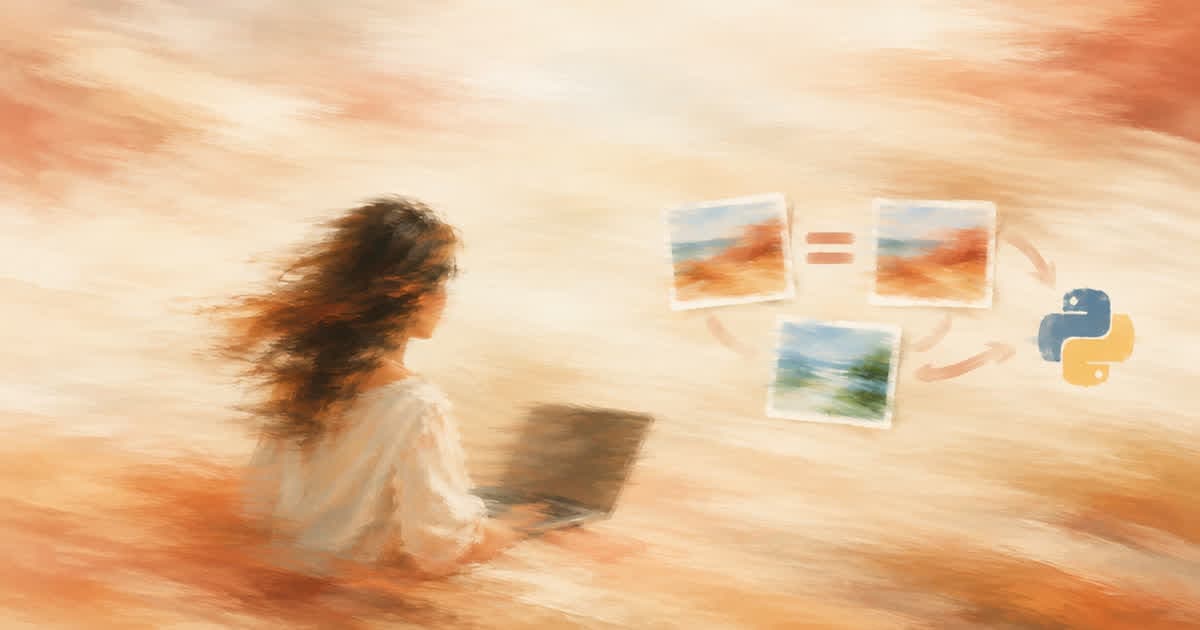
To find near-duplicate generated images, shrink each one to 8 by 8 grayscale, compare every pixel to the mean to get a 64-bit hash, and count the bits that differ between any two images. Few differing bits means the images are visually almost the same. Pillow does all of it with no extra package.
This catches duplicates inside a batch, for example the four results of one n: 4 call described in the Image API docs. It does not judge quality, and it is not any ad platform's duplicate test.
Why check generated images at all?
Models often return several takes of one composition with small changes. If you will pay to test or review each one, you want to know that two of them differ only in a shadow. A hash takes milliseconds per image.
What does the code do?
It builds the hash, compares all pairs and prints those at or under a threshold. A threshold of 5 bits is a reasonable start.
import itertools
from PIL import Image

def ahash(path):
    img = Image.open(path).convert("L").resize((8, 8))
    px = list(img.tobytes())
    mean = sum(px) / 64
    return sum(1 << i for i, v in enumerate(px) if v > mean)

def near_duplicates(paths, max_bits=5):
    hashes = {p: ahash(p) for p in paths}
    for a, b in itertools.combinations(paths, 2):
        bits = bin(hashes[a] ^ hashes[b]).count("1")
        if bits <= max_bits:
            yield a, b, bits

# Demo with two identical tiles and one different tile.
Image.new("RGB", (64, 64), "white").save("a.png")
Image.new("RGB", (64, 64), "white").save("b.png")
img = Image.new("RGB", (64, 64), "black")
img.paste(Image.new("RGB", (32, 64), "white"), (0, 0))
img.save("c.png")
print(list(near_duplicates(["a.png", "b.png", "c.png"])))
What are the limits?
An average hash ignores color and fine detail, so two products in different colors with the same layout look the same to it. Treat a hit as a prompt to look, not an order to delete.
What do I do with a pair?
Keep the one with the better text and edges, note the dropped job's URL and move on. If many pairs hit, the prompt is too narrow: change the scene or the angle, not only a word.
Sources
Related posts
More in Developers
- Fit narration to a 30-second slot: tune TTS speed from measured length
Measure a TTS take with timestamps.words, compute the speed that hits 30 seconds, and know when to cut words instead. Python, within Sume's 0.6 to 1.5 range.
- Fix one sentence in an AI avatar video without a full re-render
ElevenLabs can regenerate only edited dubbing regions. A Sume avatar video is one job, so the fix is to keep clips short and join them: the cost math.
- FLUX 3 pixel-exact local edits vs the Sume mask_url edit
FLUX 3 Image edits several marked elements in one request. Sume's mask_url edit is documented for ChatGPT Image 2.5 only; here is how to run a local edit.
- FLUX API 402, 403 and 503 errors, and Sume's equivalents
BFL returns 402 for credits, 403 for key permission, 503 for load. Sume returns 402 insufficient_credits and 503 provider_capacity_exceeded. What to do.
Written by Sume