
Draw boxes on a photo, then edit it: Sketch-style markup on Sume
ChatGPT Sketch is a drawing panel inside ChatGPT. On the API you get the same effect by sending a marked-up photo as a reference and saying what the marks mean.
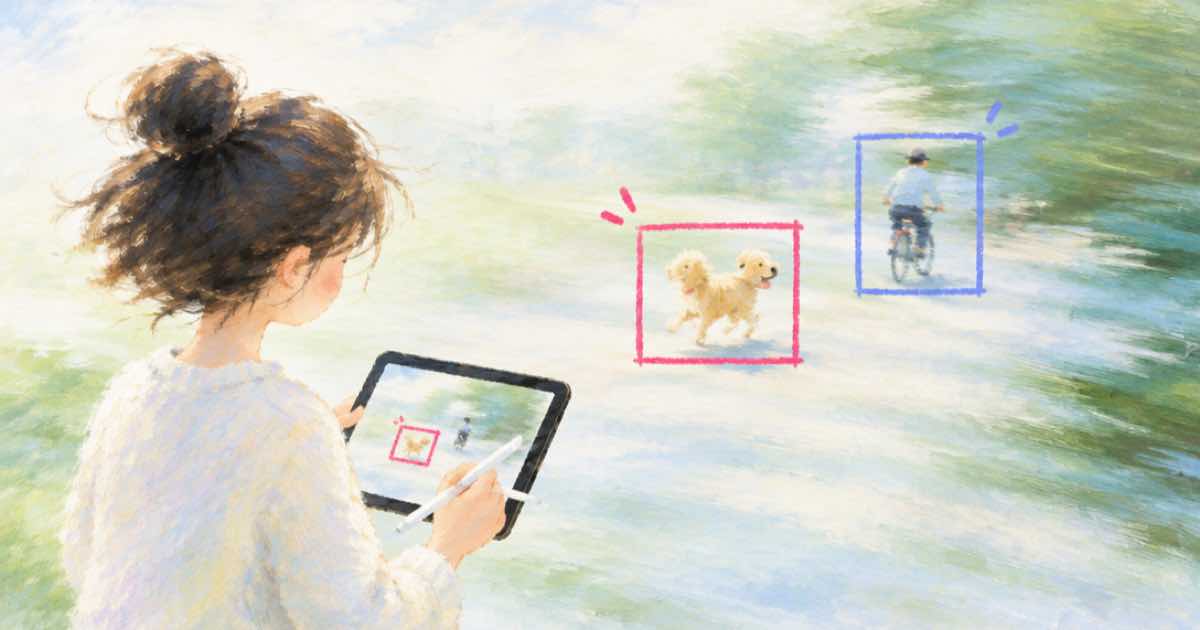
OpenAI's announcement thread says Sketch lets users draw directly in ChatGPT by typing @Sketch, to communicate a design visually (OpenAI Developer Community, read 2026-10-04). That panel lives in ChatGPT. The Sume Image API has no drawing surface, only a prompt and up to 16 reference images on ChatGPT Image 2.5 (Sume Image API). The useful part of Sketch is still reachable: draw on the picture yourself and tell the model what the drawing means.
The markup pattern
Reference order is yours to define in the prompt, so name each image explicitly and do not assume the model infers it.
- Draw numbered boxes on a copy of the photo, one box per change.
- Keep the clean original as a second reference so the model can see what is under the marks.
- In the prompt, say which reference is the marked copy and which is clean, then list each box and its change.
- State that the boxes and numbers must not appear in the result.
A prompt block that works as a template
The text below is a template, not a measured result. Treat the first output as a test and check that no box outlines leaked into the picture.
Image 1 is the clean photo. Image 2 is the same photo with numbered red boxes.
Apply these changes, each only inside its box:
1. Box 1: replace the sofa cushion with a mustard yellow one.
2. Box 2: remove the cable on the floor.
Keep everything outside the boxes identical to Image 1.
Do not draw any box, outline or number in the result.
What to check
Marks sometimes survive into the output. Diff the result against the clean original: if changes appear outside the boxes, tighten the wording and re-run. Failed generations are not billed on Sume, but a finished edit with a leaked box is, so look before you batch.
| Step | ChatGPT Sketch | Sume Image API |
|---|---|---|
| Draw | @Sketch panel in the chat box | Your own tool, any image editor |
| Guide to the model | Sketch plus a text description | Marked copy in input_references plus a prompt |
| Reference limit | Not stated in the thread | Up to 16 on ChatGPT Image 2.5 |
Sources
Related posts
More in Models
- Eleven v4 stacked tags: direct emotion without them
ElevenLabs v4 adds stackable expression tags and 10-second cloning. Sume's docs list no clone route; here is how to direct a voice via tts_create.
- eleven_v4 vs eleven_v4_turbo: model IDs, endpoints, which to pick
ElevenLabs lists eleven_v4 for expressive speech with cloning in 90+ languages and eleven_v4_turbo at about 100 ms median latency. Which fits a video pipeline.
- ElevenLabs languages: Flash v2.5 has 32, Multilingual v2 29, v4 90+
ElevenLabs lists 32 languages for Flash v2.5, 29 for Multilingual v2 and 90+ for v4 and v4 Turbo. Check your markets against the model, then log it per job.
- ElevenLabs Music stems: Creator 2 and 4, Pro 6, and the Sume route
ElevenLabs lists 2 and 4 stems on Creator and up to 6 on Pro. When a video editor needs stems, and when a Sume duck_db setting does the job.
Written by Sume