
Cloudflare MCP portal service tokens skip per-user OAuth servers
A Cloudflare service-token session cannot finish a per-user OAuth grant, so an OAuth upstream like Sume is left out. What to use for unattended agents.
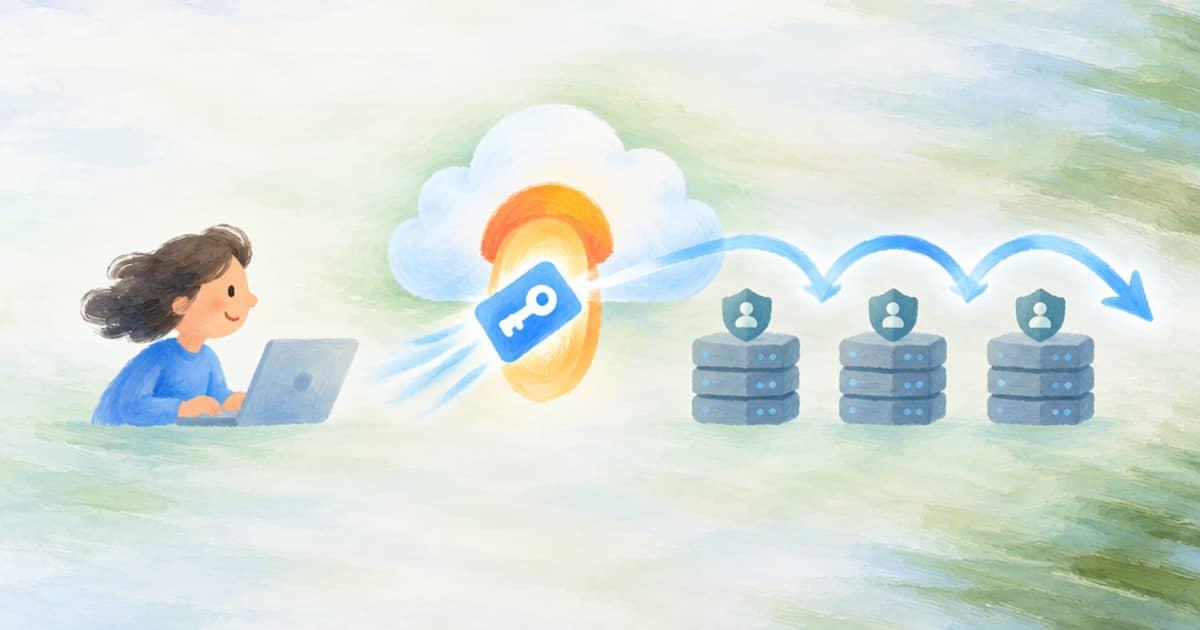
A Cloudflare MCP portal session that authenticates with a service token cannot reach any upstream that needs a per-user OAuth grant. Cloudflare says so directly: servers that still require per-user OAuth are excluded from service token sessions because a service token cannot complete a per-user OAuth grant (read 2026-10-03). Sume's hosted MCP, when connected through OAuth, is exactly that kind of server, so a bot behind a service token will not see it unless the portal reaches Sume with a Sume API key instead.
The Cloudflare facts are from the service token changelog, and the portal feature reached general availability in the 2026-09-24 announcement. Sume's side is in MCP OAuth and API keys.
How a service-token session connects
Per Cloudflare, a bot presents CF-Access-Client-Id and CF-Access-Client-Secret headers. You need a Service Auth policy that matches the token on the portal's Access application and the same policy on each linked server's Access application, and per-user authentication turned off with on_behalf: false so the portal uses administrative credentials rather than an individual's grant.
| Item | Value |
|---|---|
| Headers | CF-Access-Client-Id, CF-Access-Client-Secret |
| Policy | Service Auth policy on the portal app and on every linked server app |
| Setting | on_behalf: false to disable per-user authentication |
| Exclusion | Servers that require per-user OAuth |
What Sume offers a machine caller
Sume's docs name an API key as the path for automation that does not speak OAuth: send Authorization: Bearer <SUME_API_KEY> or x-api-key. An API-key session sees the full hosted tool set, and spend is wallet and admission based. Every write or paid call still needs an idempotency_key; dry_run and max_spend_usd are optional.
Whether a portal can attach that header to an upstream is a question for Cloudflare's portal documentation, which this post does not cover. The portable options are on the Sume side: connect the autonomous client straight to https://mcp.sume.com/mcp with the key, or skip MCP for the unattended job and call the API.
- Unattended, task varies per call: Agent Completions with a required
generation_spend_cap_usd; service-account keys are refused there with403 insufficient_scope, so use a user key. - Unattended, task fixed: a saved schedule from the Scheduled actions page, which has a $1.00 default cap when unset.
- Interactive and human-owned: keep the OAuth connector, and let each person consent.
A safe default for a bot
Give the bot a key that you can revoke on its own, keep the key in the secret store rather than the portal config you share around, and make the first call read-only. This sketch checks the server before a bot is allowed to spend.
import os, httpx

URL = "https://mcp.sume.com/mcp"
KEY = os.environ.get("SUME_API_KEY", "")
if not KEY:
    raise SystemExit("SUME_API_KEY is empty; refusing to call")

headers = {
    "x-api-key": KEY,
    "content-type": "application/json",
    "accept": "application/json, text/event-stream",
}
body = {
    "jsonrpc": "2.0", "id": 1, "method": "initialize",
    "params": {
        "protocolVersion": "2025-11-25",
        "capabilities": {},
        "clientInfo": {"name": "bot-check", "version": "0.1"},
    },
}
r = httpx.post(URL, headers=headers, json=body, timeout=20)
print(r.status_code)
A 200 here proves the credential and the route; it does not prove a paid call will pass a portal policy. Run tools_list next and read the safety metadata before granting anything. The related service token polling post covers the REST side of the same Access setup.
Choosing between the three unattended paths
The three options differ in what the caller decides at run time. An MCP session with an API key lets the agent pick tools turn by turn, which is flexible and also means the agent decides when to spend. Agent Completions moves that decision to a request you author: the task is in the request, and generation_spend_cap_usd is the ceiling for that single run. A saved schedule moves it further, to a stored instruction that fires on cron or an API trigger.
If the work is the same every time, the schedule is the least moving parts, and Sume notes schedules are created in the dashboard and are not exposed over MCP or the CLI. If the task varies per call, Agent Completions returns a 202 receipt and you poll the status URL, or register a webhook instead of a loop. If the agent genuinely needs to explore tools, use the API-key MCP session and keep max_spend_usd on every paid call.
None of these needs a Cloudflare service token to reach Sume, which is the useful takeaway: the service token solves access to your internal servers, and Sume is reachable with its own credential.
Sources
Related posts
More in Integrations
- Cloudflare MCP portals GA: where Sume hosted MCP fits
Cloudflare MCP server portals went GA on 2026-09-24. What a portal changes for a remote server like Sume, and the three checks to run first.
- Cloudflare private MCP servers vs Sume public MCP endpoint
Cloudflare portals can now reach MCP servers on a private network. Sume's hosted MCP is a public HTTPS endpoint, so here is what changes and what does not.
- Cloudflare Stream captions API: 12 languages, or upload WebVTT
Cloudflare Stream generates captions for 12 languages. For others, PUT a WebVTT built from a Sume transcript. Rules, status values and a script.
- Codex MCP tool_timeout_sec defaults to 60: does Sume jobs_wait fit?
Codex config.toml tool_timeout_sec defaults to 60 and startup_timeout_sec to 10. Sume jobs_wait holds up to 55 seconds, so the defaults fit by a thin margin.
Written by Sume