
Burn 2.39:1 cinematic bars into a clip: drawbox fractions
Add scope-style black bars to a clip without changing its aspect ratio, using two drawbox fills in Sume video filter. Bar heights for 9:16, 16:9, 1:1 and 4:5.
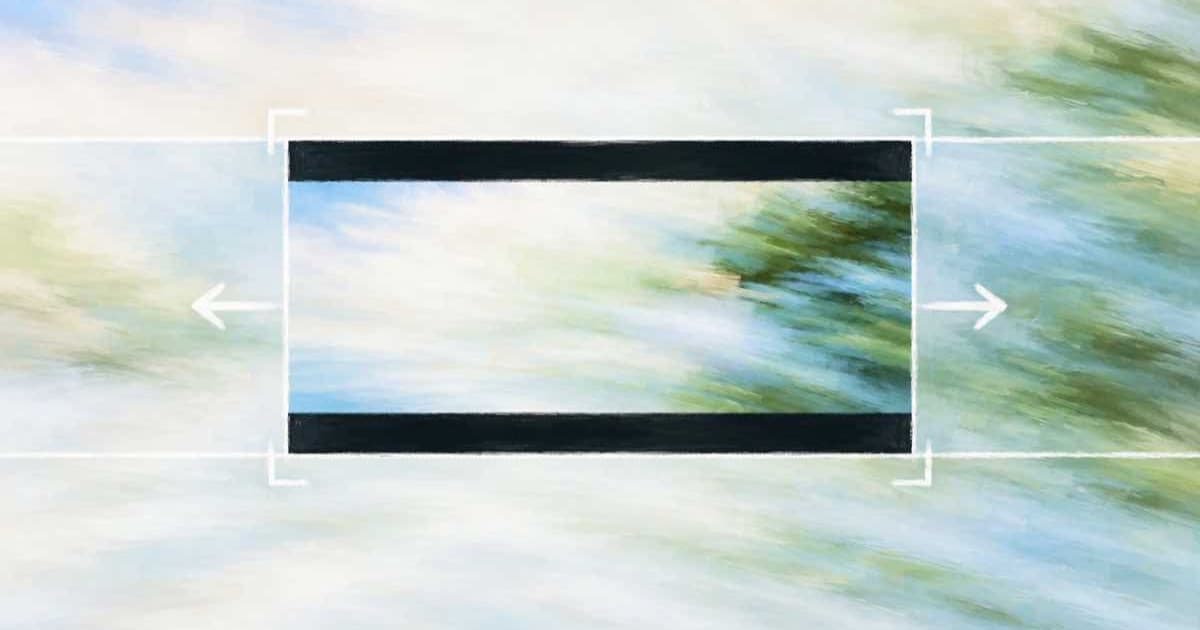
To make a clip look like 2.39:1 cinema without changing the file's aspect ratio, draw two black boxes with Sume's video filter. For a 9:16 clip the graph is drawbox=x=0:y=0:w=iw:h=ih*0.3823:color=black:t=fill,drawbox=x=0:y=ih*0.6177:w=iw:h=ih*0.3823:color=black:t=fill. Each bar covers 38.23 percent of the height, and the visible band is exactly 2.39:1.
This is the burned-in look, not a crop. If you want the file itself to be 2.39:1, use the crop op instead and keep the real aspect ratio. Several platforms discourage baked-in black bars, so check the destination before using this.
How do I work out the bar height?
The visible height as a fraction of the frame is (frame width / 2.39) / frame height. The bar on each side is half of what remains: (1 - visible) / 2. For 16:9 that is 0.1281, for 9:16 it is 0.3823. The top bar starts at y = 0, and the bottom bar starts at 1 minus the bar fraction.
The graph uses t=fill so each box is solid, and ih and iw make it independent of the pixel size. The same graph therefore works at 480p and 720p.
| Source ratio | Visible height | Bar per side (top y=0, bottom y=1-bar) |
|---|---|---|
| 16:9 | 0.7438 | 0.1281 |
| 1:1 | 0.4184 | 0.2908 |
| 4:5 | 0.3347 | 0.3326 |
| 9:16 | 0.2354 | 0.3823 |
What about 2.35:1 or 21:9?
Replace 2.39 in the formula with the new ratio. For 2.35 on 16:9 the visible fraction is 0.7564 and each bar is 0.1218. The graph keeps the same shape; only the two fractions change, so keep a small script that fills them in from the ratio.
Run the free check route with the new numbers to confirm the program is valid before you pay the $0.02.
curl -X POST https://api.sume.com/v1/video-filter/check \
  -H "Authorization: Bearer $SUME_API_KEY" \
  -H "Content-Type: application/json" \
  -d '{
    "video_url": "https://media.sume.com/artifacts/artf_demo/clip.mp4",
    "filtergraph": "drawbox=x=0:y=0:w=iw:h=ih*0.3823:color=black:t=fill,drawbox=x=0:y=ih*0.6177:w=iw:h=ih*0.3823:color=black:t=fill"
  }'
Where do the captions go?
Captions burned after the bars land on top of them, which can look intentional for subtitles but hides the picture on a narrow band. Decide first: either place the caption anchor inside the visible band with the caption design placement fields, or run the bars after captions and accept that the bars cover any text outside the band.
The bars are part of the pixels. Keep the original clip, because you cannot remove a baked-in bar later.
Is there a cheaper way to get the shape?
Yes: cropping to a 2.39:1 box costs the same $0.02 and leaves no bars to remove, and in a Timeline you can place the result in a 16:9 frame with the fit options. Use the bars version only when the file must keep its original ratio, for example a vertical slot where a 2.39:1 band is the creative idea.
Sources
Related posts
More in Media tools
- CRT scanline look on a clean AI clip: drawgrid plus noise
Add dark horizontal scanlines and light flickering noise to a finished clip with a two-filter Sume video-filter graph. $0.02 per encode, free check first.
- Avatar micro twitches: what Sume's 2 fps frame check can see
Tavus says Phoenix-4.5 cut micro twitches. To check your own clip, Sume's frame sampler tops out at 2 fps; use explicit times for 24 neighbouring frames.
- Mirror a video down the middle: a symmetry effect with hstack
Make a left-right symmetric video from one clip with a Sume video-filter graph: keep the left half, mirror it with hflip, join with hstack. $0.02, free check.
- Pixelate part of a video by API: a fixed-region mosaic
Hide a label or a screen area with a mosaic using one Sume video-filter graph: crop a region in 24-pixel multiples, shrink, enlarge with neighbor, overlay.
Written by Sume