
Put a 4:5 AI image on a 9:16 canvas with blurred fill in Pillow
Fill the empty bands of a 9:16 canvas with a blurred, darkened copy of the same Sume image, and place the sharp 4:5 original over it. Code and blur settings.
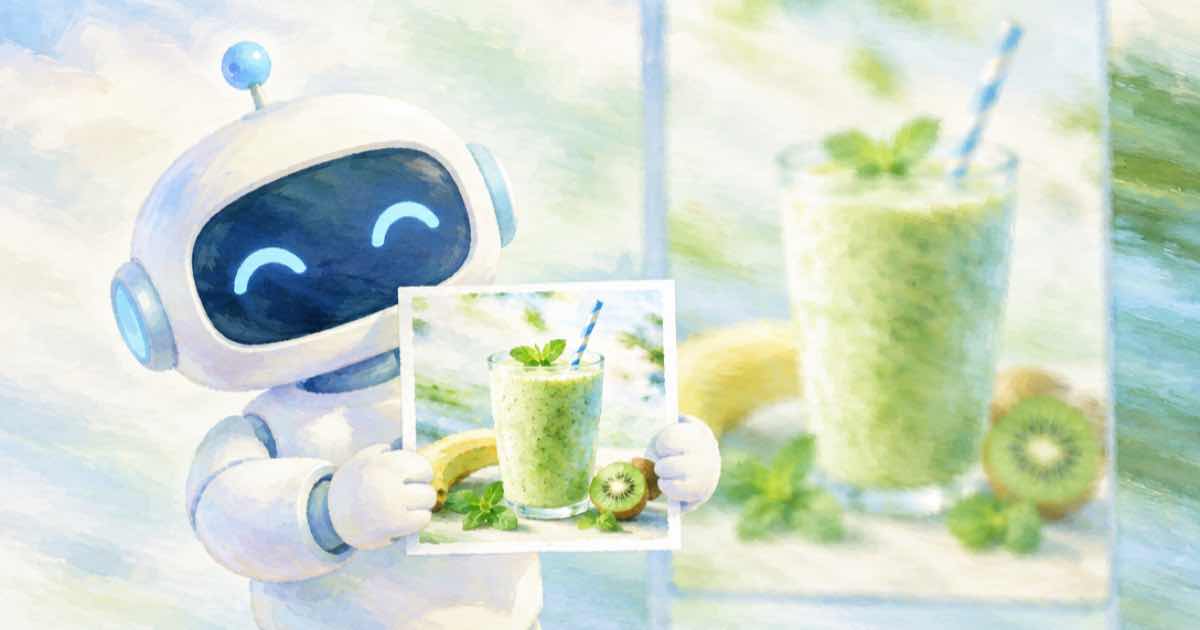
Build a 1080x1920 canvas by scaling a copy of the image with ImageOps.fit, blurring it with GaussianBlur(40), dimming it, then pasting the sharp 1080x1350 original in the middle. A 4:5 image on a 9:16 canvas leaves 570 pixels of empty height in total, which is 285 above and 285 below, and the blurred copy fills that without black bars.
The arithmetic
1080 wide at 4:5 is 1350 tall. A 9:16 canvas at the same width is 1920 tall. The difference is 570 pixels, split evenly. A 1:1 image fills 1080, leaving 840, or 420 each side.
Sume's Nano Banana models list both 4:5 and 9:16, so you can generate at 4:5 and pad, or generate 9:16 directly and skip this. Padding is useful when you already have a 4:5 feed asset and want the story version from the same file without a second paid call.
The code
The background is the same image scaled to cover the whole canvas, which keeps its colors, and the blur removes detail so it does not compete with the foreground. Darkening by about 40 percent keeps text readable on top.
import os, io, requests
from PIL import Image
H = {"Authorization": "Bearer " + os.environ["SUME_API_KEY"]}
def gen(**body):
    r = requests.post("https://api.sume.com/v1/images", json=body, headers=H, timeout=60)
    r.raise_for_status()
    if r.status_code == 202:
        raise SystemExit("queued, read /v1/jobs/{id}/result: " + r.text)
    return r.json()
def fetch(u):
    return Image.open(io.BytesIO(requests.get(u, timeout=60).content))
from PIL import ImageEnhance, ImageFilter, ImageOps
out = gen(model="google/nano-banana-2", aspect_ratio="4:5",
          prompt="Overhead flat lay of a green smoothie, strawberries and a glass straw")
img = fetch(out["data"][0]["url"]).convert("RGB")
fg = ImageOps.fit(img, (1080, 1350), Image.LANCZOS)
bg = ImageOps.fit(img, (1080, 1920), Image.LANCZOS)
bg = bg.filter(ImageFilter.GaussianBlur(40))
bg = ImageEnhance.Brightness(bg).enhance(0.6)
bg.paste(fg, (0, (1920 - 1350) // 2))
bg.save("story_blurfill.jpg", quality=92)
print(bg.size, "pad each side", (1920 - 1350) // 2, "cost", out["usage"]["cost"])
Padding by source ratio
Pad height at 1080 width for common inputs. The blur matters most when the bands are tall.
| Source ratio | Image height at 1080 wide | Empty total | Each side |
|---|---|---|---|
| 4:5 | 1350 | 570 | 285 |
| 1:1 | 1080 | 840 | 420 |
| 16:9 | 608 (rounded) | 1312 | 656 |
Tuning and limits
- Bigger blur radius makes a smoother backdrop. Under 20 shows ghost shapes.
- Brightness 0.6 works for light photos. Dark images can stay at 1.0.
- Keep captions and logos inside the platform's safe area, not in the bands at the top and bottom edges.
- For a 16:9 source the bands are very tall. Consider a cover crop instead.
Related
To make a 9:16 image by resizing, see the story image recipe. Export other widths from the same master with the srcset recipe, and keep lossless intermediates per PNG between passes.
Sources
Related posts
More in Media tools
- Burn captions: pick one of script_text, words, cues or segments
Sume video captions accepts one wording source per job: script_text, words, cues or segments. When each fits and which ones skip speech-to-text.
- Camera orbit and zoom transition prompts for Omni first and last frame
Google says Omni 1.1 Flash handles orbits, zoom transitions and loops between two keyframes. Prompt patterns and costs for the Sume API, from $0.19 per draft.
- Can a 1080x1080 square video be a 3-minute YouTube Short?
Yes: YouTube's help page says a Short can run up to 3 minutes if it is square or vertical. Render 1080x1080 in Sume Timeline 1.0 for $0.30 at 180 seconds.
- Remove the card behind burned-in captions: colors.card null
Set design.colors.card to null on a Sume caption job to show no card. It works on styles that support design, not on punch or tiktok-green.
Written by Sume