
AI whiteboard photo to a clean diagram: an image edit, step by step
Photograph the whiteboard, send it as a reference, and ask for a clean redraw. What an image model can and cannot keep, and how to check every label.
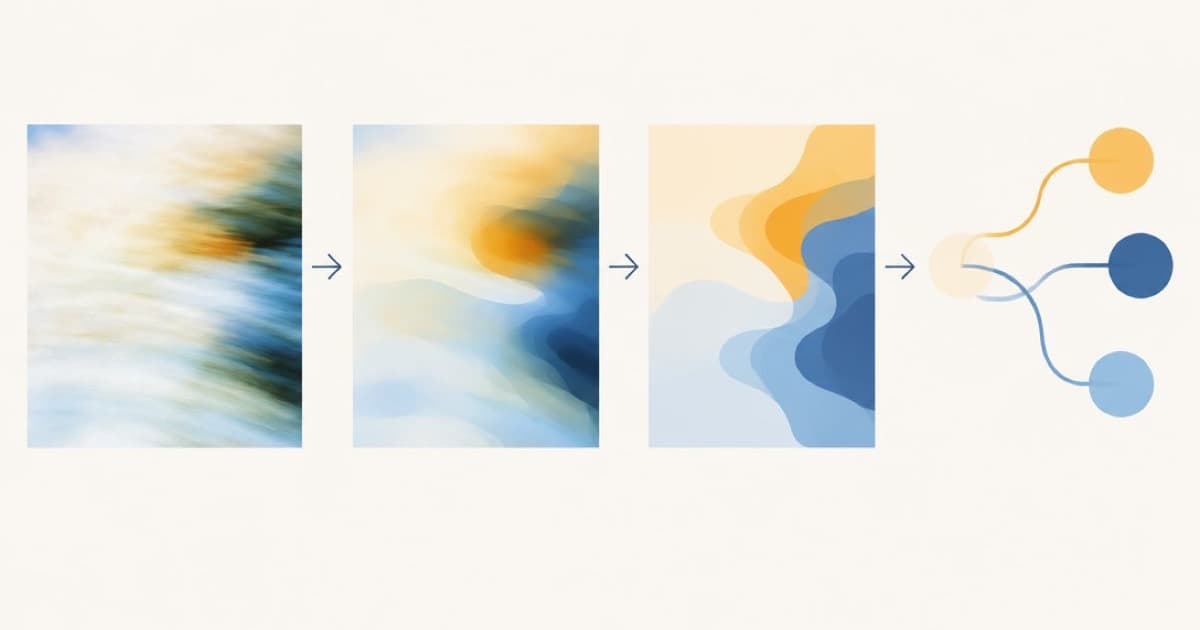
To turn a whiteboard photo into a clean diagram, send the photo to an image model as a reference and ask it to redraw the same boxes, arrows and labels on a plain background. On Sume that is a single POST /v1/images edit call. It works best for simple flows of a few boxes; for a dense diagram, treat the result as a draft and compare every label against the photo.
Prepare the photo
Shoot straight on, in even light, with the board filling the frame. Glare is the most common reason text is lost. Crop out the room. Upload the photo to a public HTTPS URL, because Sume rejects private and non-HTTPS URLs (Image API).
Prompt
Say what is on the board, then what to change. For example: "Image 1 is a whiteboard photo of a three-step flow. Redraw it as a clean flat diagram on a white background. Keep every box, arrow and label. Use sans-serif text. Do not add anything." List the labels in quotes if you can read them; the model reads handwriting less reliably than typed text.
Use aspect_ratio: "auto" so the diagram keeps the board's shape. Omitting the field is not the same as auto on edit calls.
curl -X POST https://api.sume.com/v1/images \
  -H "Authorization: Bearer $SUME_API_KEY" \
  -H "Content-Type: application/json" \
  -d '{
  "model": "openai/gpt-image-2.5",
  "prompt": "Image 1 is a whiteboard photo of a three-step flow. Redraw it as a clean flat diagram on white. Keep every box, arrow and label: 'Upload', 'Review', 'Publish'. Do not add anything.",
  "input_references": [
    {"type":"image_url","image_url":{"url":"https://example.com/whiteboard.jpg"}}
  ],
  "aspect_ratio": "auto",
  "quality": "high"
}'
Check the result
Read the output against the photo, label by label. Missing or reordered arrows are the usual failure. Fix one thing per follow-up call, passing the previous output as the reference and saying what must not change.
If you need an editable file, an image model is the wrong end product. Use it for a clean picture and rebuild in a diagram tool.
| Element | Usually kept | Check |
|---|---|---|
| Box count | Yes for small flows | Count them |
| Arrow direction | Often | Trace each arrow |
| Handwritten labels | Sometimes | Compare letter by letter |
| Small side notes | Often dropped | Re-add by name |
Sources
Related posts
More in Use cases
- AI wireframe to UI mockup: turn a hand sketch into a screen
Send a photo of your wireframe as a reference to GPT Image 2.5 on Sume, quote every label, and get a styled UI mockup back. Request, ratios and limits.
- AI workout music for fitness videos: tempo and intervals in a prompt
Make AI workout music by writing tempo as a number and the interval plan as timestamps. Sume has no BPM field, so here is how to prompt, check and trim a track.
- Animate a locally generated image with Sume video: first frame
Made a still with a local open-weights model? Host it at a public HTTPS URL, send it as first_frame to POST /v1/videos, and poll. Plus the licence check first.
- Australia AI ad disclosure: no blanket rule, and the AANA review
Ad Standards says Australia has no blanket rule to disclose AI in ads. The AANA's code review asked whether to add one. What that means for a video ad today.
Written by Sume