
AI phone wallpaper API: Sume models for 9:16, 9:20 and 9:21
Taller phones need more than 9:16. Grok Imagine lists 9:20 and 9:19.5; Qwen Image, both Flux rows and Recraft V4 list 9:21. Prices and a batch request.
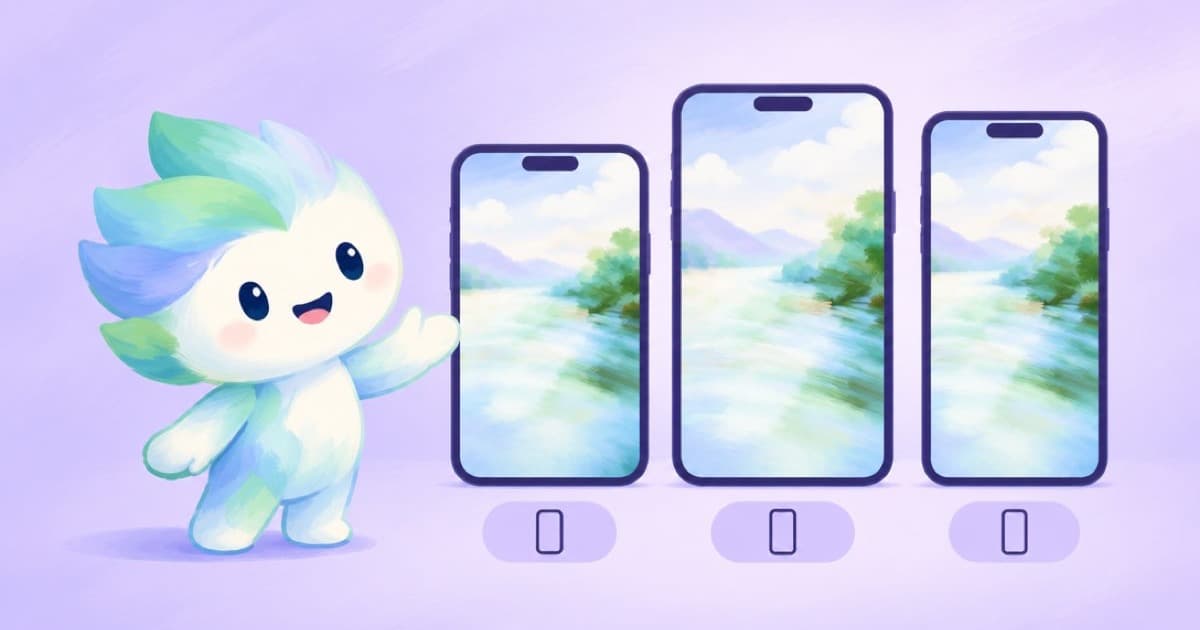
To make phone wallpapers through the Sume image API, pick the aspect ratio closest to your target screen and a model that lists it. 9:16 is listed by every row, but taller phones are closer to 9:20 or 9:21. On Sume, Grok Imagine lists 9:20 and 9:19.5; Qwen Image, Qwen Image Max, Flux 2 Pro, Flux 2 Flex and Recraft V4 list 9:21. Read 2026-10-03 from the catalog.
Screen shapes vary by device and change each year, so this post does not claim any device's ratio. Choose a ratio, generate, then crop to the exact pixel size with Pillow; Sume does not take explicit pixel sizes on /v1/images.
Rows by ratio
| Ratio | Models that list it | Cheapest of them |
|---|---|---|
9:16 | all 19 rows | Soul (Higgsfield) $0.005 |
9:20 | Grok Imagine | $0.025 |
9:21 | Qwen Image, Qwen Image Max, Flux 2 Pro, Flux 2 Flex, Recraft V4 | Qwen Image $0.025 |
Generate a set
Grok Imagine returns one image per call (n is capped at 1), so a set of eight wallpapers is eight calls at $0.025 each, $0.20 in total. Flux 2 Pro takes n up to 4 at $0.0375 per image. A call that is still running after the 30-second wait returns 202 with a job envelope instead of 200, so check the status code before reading data; see Jobs and results.
import os
import requests

resp = requests.post(
    "https://api.sume.com/v1/images",
    headers={"Authorization": f"Bearer {os.environ['SUME_API_KEY']}"},
    json={
        "model": "x-ai/grok-image",
        "prompt": "abstract aurora over a dark mountain ridge, smooth gradients, no text",
        "aspect_ratio": "9:20",
    },
    timeout=60,
)
resp.raise_for_status()
if resp.status_code == 202:
    print("still running:", resp.json()["data"]["status_url"])
else:
    for image in resp.json()["data"]:
        print(image["url"])
Crop to the exact pixels
Because exact sizes are a post-step, center-crop to your target and keep the original. The function below fits any image to a target size without distortion.
from PIL import Image, ImageOps

img = Image.open("wallpaper.png")
fit = ImageOps.fit(img, (1080, 2400), method=Image.LANCZOS)
fit.save("wallpaper-1080x2400.png")
Resolution
None of the 9:20 or 9:21 rows lists a resolution tier, so you cannot ask them for 4K. If the result is soft at your size, upscale it with the image upscale API, or pick Nano Banana Pro for a 4K tier at 9:16.
Sources
Related posts
More in Use cases
- AI pitch video: Seedance 2.5 shots for a concept or previs
BytePlus lists previs and pitch videos as a Seedance 2.5 use. How to build a concept reel from 4-30 s shots: 480p drafts, references, one Timeline.
- AI presenter video for job postings: 25 roles, 20 seconds each
25 twenty-second hiring clips from one recruiter avatar cost $122.50 on Plus or $92.00 on Standard, plus $0.95 once, at Sume's listed rates.
- AI product angles from one photo: front, three-quarter and back views
Make extra product angles from one packshot: send a second photo of the back for printed sides, then check each view. A reference-edit request on Sume.
- AI share image for blog posts via API: 16:9 art, crop to size
Generate a text-free 16:9 hero per post on Sume from $0.025, crop it to your site's share-card size, and set the headline in code. Cost for 100 posts.
Written by Sume