
AI garden design preview from a photo of your yard
Preview new garden beds, a patio or a lawn from one yard photo: a single Sume image edit call, an optional mask for the area, and a check that the house stays.
The request: your photo as the reference, the plan as the prompt
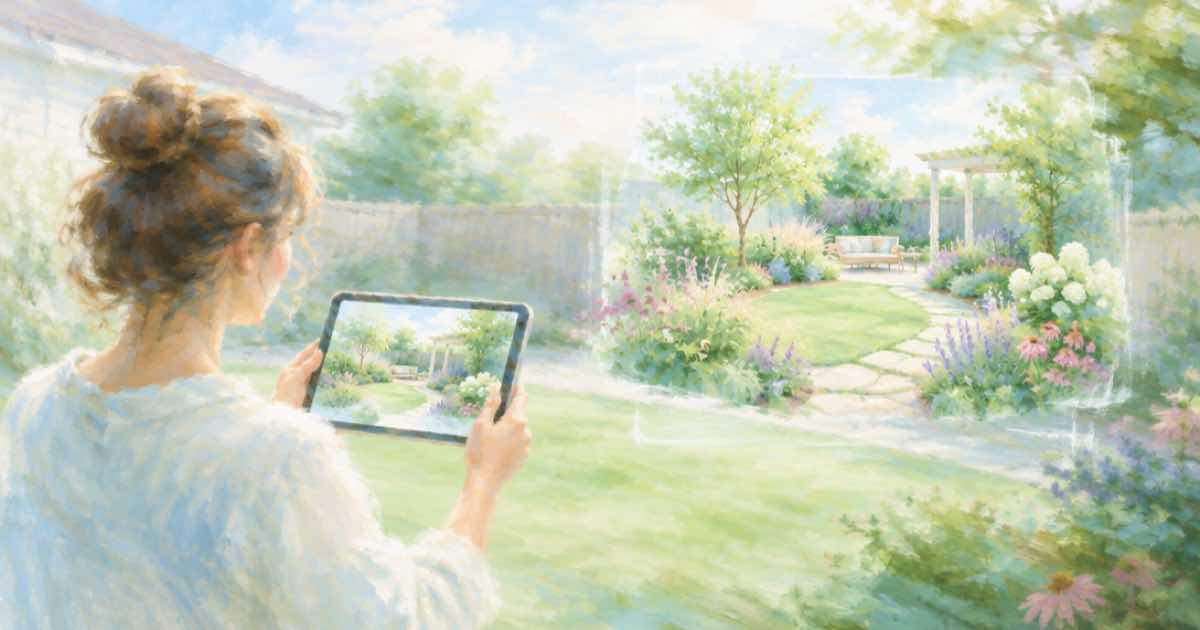
A garden preview is an image edit, not a fresh generation. You send one photo of the real yard as the reference and describe what should change: raised beds along the fence, a gravel path, a small patio. Everything else, the house, the fence line and the camera angle, should come back as it was.
On Sume that is POST /v1/images with input_references holding one public HTTPS photo URL. Landscapers use the same call to show a client three layouts before any soil is moved.
Sume Image API docs list ChatGPT Image 2.5 as openai/gpt-image-2.5 (Flare) and openai/gpt-image-2.5-sunburst. OpenAI's guide says to choose Sunburst where editing precision matters most and Flare for fast everyday generation, so these edits use Sunburst.
Send aspect_ratio auto and name what stays
Sume's docs say to prefer aspect_ratio: "auto" on edit calls so the result matches the reference, and that omitting the field is not the same thing as auto. A landscape yard photo returned square would crop your house. Write the prompt as a list of changes followed by a list of things to keep; the second list protects the parts you do not want redrawn.
import os
import requests

REFS = [
    "https://example.com/yard.jpg",
]
resp = requests.post(
    "https://api.sume.com/v1/images",
    headers={"Authorization": f"Bearer {os.environ['SUME_API_KEY']}"},
    json={
        "model": "openai/gpt-image-2.5-sunburst",
        "prompt": "Add three raised cedar beds along the back fence and a "
                  "gravel path to the shed. Keep the house, fence, lawn edge "
                  "and camera angle unchanged.",
        "aspect_ratio": "auto",
        "input_references": [
            {"type": "image_url", "image_url": {"url": u}} for u in REFS
        ],
    },
    timeout=60,
)
print(resp.status_code)
print(resp.json())
Add a mask when only one area should change
OpenAI's image generation guide lists the mask rules: an alpha channel, the same format and size as the photo, and under 50 MB. It also says masking is prompt-based and the model may not follow the mask shape with complete precision, so expect soft edges. For a lawn-only change, pass mask_url, which Sume documents as ChatGPT Image 2.5 only; other catalog models return 400 unsupported_parameter instead of ignoring it.
| Setting | Value |
|---|---|
| model | openai/gpt-image-2.5-sunburst |
| input_references | 1 photo; this model takes up to 16 |
| aspect_ratio | auto on edits |
| mask_url | Optional; ChatGPT Image 2.5 only |
| quality | Omitted means high; xhigh and max are also accepted |
Check before you show a client
A preview is only useful if the house is still the house. Compare the result to the source outside your edit area, and treat the render as a visual idea, not a survey. Plant sizes, drainage and local rules are not something an image model knows. To compare layouts fairly, rerun from the original photo and change only the planting sentence each time.
Timing and what a call costs
POST /v1/images on Sume waits up to 30 seconds and returns 200 with the image. If the generation is still running at that point you get 202 and a job envelope with a status URL and a result URL instead. The docs name 4K, high quality and large n as the settings most likely to degrade to 202, so branch on the status code, not on the body shape.
Billing is all-or-nothing. A completed generation is billed in full, a failed or cancelled one is not, and usage.cost in the response is the USD amount charged: the provider list price times 1.25.
Sources
Related posts
More in Use cases
- AI person in a Meta ad: is the label next to Sponsored?
Meta puts AI info next to Sponsored when its own tools make a photorealistic human. For outside tools it describes About this ad. How to add your own cue.
- AI hoodie logo mockup: put your logo on a blank hoodie photo
Show your logo on a real blank hoodie photo with one Sume image edit: the hoodie first, the logo second, and a prompt that keeps the folds and the color.
- AI image slideshow Shorts on YouTube: what narrative to add
YouTube's inauthentic content policy lists image slideshows with minimal narrative as not allowed. Turn stills into a Short with a real story, using Sume.
- AI isometric illustration generator: a matching set through an API
Make a set of isometric illustrations that match: one style anchor, fixed camera words, and a per-item prompt. Model, ratio and cost per image on Sume.
Written by Sume