
Add an AI voiceover to a silent video: TTS, then a timeline render
Add a voiceover to a silent clip with Sume: one TTS job for the narration, then one Timeline 1.0 render that lays the audio over your video.
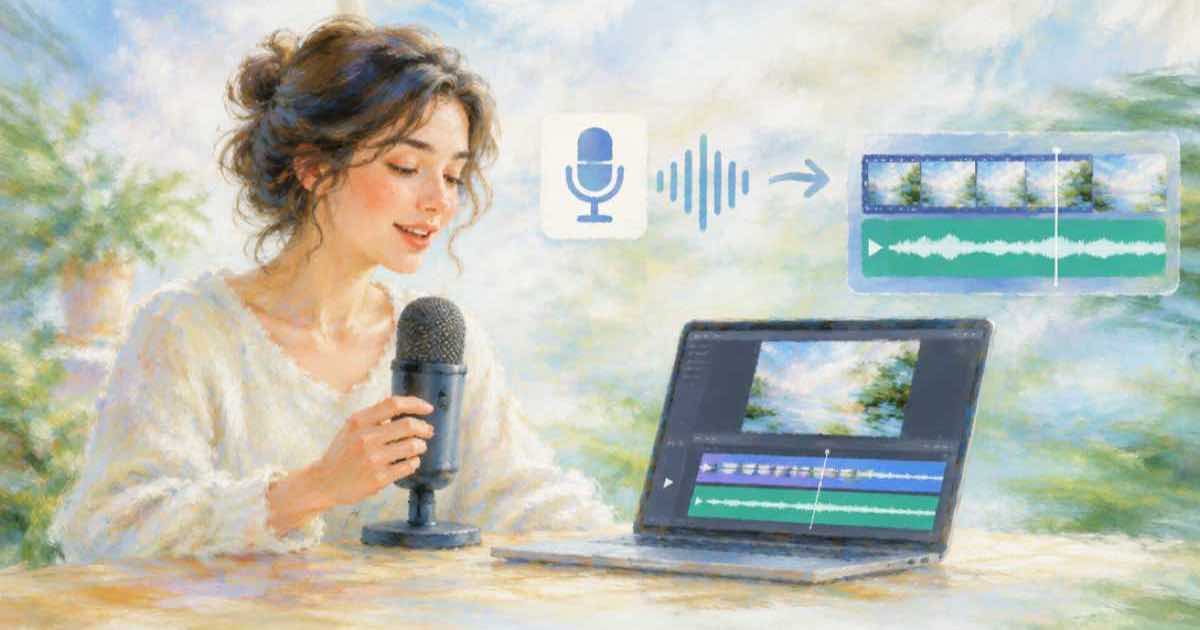
To add an AI voiceover to a silent video, make the narration first and render second. Sume's TTS 1.0 turns your script into an audio file. Timeline 1.0 then takes that file as its audio spine and places your clip on top, and it returns one MP4. The silent clip is never edited in place, so you can re-render with a new take whenever the script changes.
Step 1: make the narration
Both jobs follow the same lifecycle. You submit, the response carries a job id, and you read GET /v1/jobs/:id/status and then /result. The default mode is async. mode: "sync" waits up to 30 seconds and falls back to a 202 if the job is not done, so a slow job is polled and not resubmitted.
curl -X POST https://api.sume.com/v1/tts-1.0/generate \
  -H "Authorization: Bearer $SUME_API_KEY" \
  -H "Content-Type: application/json" \
  -H "Idempotency-Key: vo-silent-001" \
  -d "{\"transcript\": \"Three steps, no setup.\", \"voice\": {\"id\": \"$VOICE_ID\"}, \"output_format\": {\"container\": \"wav\", \"sample_rate\": 44100, \"encoding\": \"pcm_s16le\"}}"
Step 2: render the timeline
The result holds the audio file. transcript is limited to 20000 characters, and TTS 1.0 audio longer than 1200 seconds fails with tts_duration_exceeded. Set language for any non-English script. Take the voice from a workspace avatar (avatar_handle) or pass voice.id as above.
Timeline 1.0 needs every URL to be your workspace's media.sume.com artifact, so import the silent clip first with POST /v1/media-imports. Then send audio.url and audio.duration_seconds (1 to 1800) plus one or more video[] slots. If the clip is shorter than the audio, the render pads or loops it and reports a soft warning, which is not a failure. You can run POST /v1/timeline-1.0/plan first. It is unbilled and returns the cost estimate before you commit.
What you pay and get
What each step costs and returns, from the Sume docs and the API schema (read 2026-10-06):
| Step | Endpoint | Billing basis | Limit that matters |
|---|---|---|---|
| Narration | POST /v1/tts-1.0/generate | Per character | 20000 characters, 1200 s of audio |
| Import clip | POST /v1/media-imports | See the API reference | Timeline needs media.sume.com URLs |
| Preflight | POST /v1/timeline-1.0/plan | Unbilled | Returns estimated cost |
| Render | POST /v1/timeline-1.0/render | $0.10 per output minute, rounded up | Audio 1 to 1800 s, 1 to 200 video slots |
Mistakes that cost a second render
Most reruns come from length, not from voice. Read the audio duration from the TTS result and use that number as audio.duration_seconds, so the picture and the voice end together.
Write the script to the clip, not the clip to the script. Count the characters first, since TTS is billed per character and the text limit is 20000. Keep one idea per sentence so a later retake replaces one line and not the whole read. If you retake a line, send a new idempotency key, because the same key with the same body is read as a retry.
The render default is 1080 by 1920. Both writes need an Idempotency-Key, so a retried request returns the same job and not a second charge. Confirm the live rate in GET /v1/catalog.
Sources
Related posts
More in Use cases
- Add existing videos and playlists to a YouTube show with Add content
In Studio, Content, Shows, Add content takes existing videos or playlists into a show. Check what you already have, then fill the gaps with new renders.
- Add Season 2 to a YouTube Shorts show: renumbering and renders
New episodes land in Season 1 by default. How YouTube numbers seasons, what edits renumber, and how to queue Season 2 renders on Sume without a clash.
- After-hours greeting video with an AI avatar for a small business
A 10-second avatar clip that tells callers when you reopen and how to book. Script size, request body, price at each tier, and why it must say it is AI.
- AI avatar for kids videos: made for kids and COPPA, what changes
Marking a video made for kids turns off comments, cards and personalized ads on YouTube. What COPPA covers, and how a Sume avatar clip fits a children audience.
Written by Sume