
47 voiceover lines, Timeline's 20-part limit: three concats, 3 cents
Timeline audio joins up to 20 parts per job at $0.01. 47 lines need 20 + 20 + 7 = three concats ($0.03). 47 short lines of TTS also bill the 1-cent floor each.
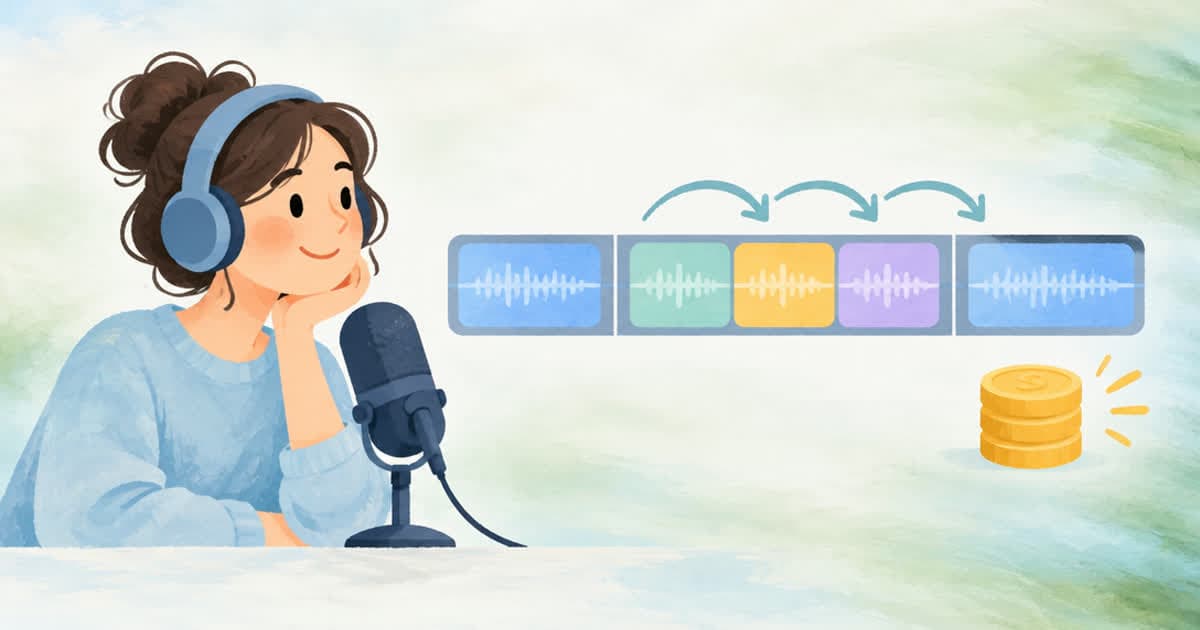
Joining 47 voiceover lines into one Timeline spine takes three concat jobs, 20 + 20 + 7 parts, for $0.03 in total, because Timeline audio accepts at most 20 parts per concat. The render can then take the three joined files as its own audio.parts, which also allows up to 20 slices and adds no job.
The numbers
Each concat is $0.01 flat per job (Timeline audio). The join is sample-domain, with no re-synthesis and no silence at the seams, and every part must have the same channel layout. The result returns segments[] with start offsets that you use to re-base Timeline video[].start. The other number to notice is the TTS floor: 47 lines of 140 characters list at $0.0067 each, but the catalog minimum is 1 cent per job, so 47 jobs bill 47 cents, not the 31 cents that character math on 6,580 characters would suggest.
| Step | Jobs | Cost | Note |
|---|---|---|---|
| Lines sent as 47 jobs of 140 characters | 47 | $0.47 | 1 cent minimum per job; list math $0.00665 each |
| Same 6,580 characters as one job | 1 | $0.3125 | one file, no per-line files |
| Join 47 files: concat 20 + 20 + 7 | 3 | $0.03 | concat is $0.01 per job, parts up to 20 |
| Join 3 joined files in the render | 0 | $0.00 | Timeline audio.parts up to 20, no extra job |
Computing the groups
This script prints the grouping and the costs. It makes no network calls.
lines = 47
groups = []
while lines > 0:
    n = min(20, lines)
    groups.append(n)
    lines -= n
print("concat jobs:", len(groups), groups)
print("concat cost: $%.2f" % (0.01 * len(groups)))
print("tts floor cost: $%.2f" % (0.01 * 47))
print("render audio.parts:", len(groups))
Choosing between per-line files and one file
Per-line files make a later fix cheap (re-synthesize one line, then re-concat), but they pay the 1-cent floor on every short line. One file is cheaper to generate and can be cut back into ranges with the split operation ($0.01 per job, up to 20 ranges), but a changed line means regenerating the whole script. At 47 lines, per-line files cost 47 cents of TTS plus 3 cents of concat, 50 cents in all, against about 31 cents for one 6,580-character job: roughly 19 cents more up front in exchange for single-line edits.
Edge cases the docs name
Concat needs at least one part and refuses a top-level url or ranges field with audio_concat_takes_no_url and audio_concat_takes_no_ranges, so a request for the third group of seven lines must still use parts[] and nothing else. The produced audio is limited to 1,800 seconds, which is also the longest a Timeline render can carry, so 47 lines that add up to more than 30 minutes need a different plan. Each part can carry a source_in and a duration if a line has a few hundred milliseconds of breath at the start or end that you want to trim without re-synthesis.
If you place the three joined files in the render as audio.parts, remember that Timeline's own parts list is also capped at 20 slices and is sample-domain too, so the whole chain from 47 lines to the final render never re-synthesizes anything.
Sources
Related posts
More in Developers
- 48 or 50 fps for YouTube: Sume output.fps accepts 24, 25, 30, 60
YouTube lists 24, 25, 30, 48, 50 and 60 fps as common rates. Sume Timeline's output.fps takes 24, 25, 30 or 60, so omit it for 48 or 50 sources. Why.
- 4K 3840x2160 for YouTube: Sume Timeline output stops at 2160 per edge
YouTube lists 35-45 Mbps for 4K. Sume Timeline allows even width and height from 256 to 2160, so 3840x2160 is refused. What you can render instead.
- 60 clips on hosted MCP: three jobs_wait batches of 20, 3 calls total
jobs_wait takes 1 to 20 job_ids. For 60 clips that is three batch waits instead of 60. Add include_results to skip the separate result reads too.
- 720x1280 vs 1080x1920 for a 60 s Short: 40 MB vs 63 MB
YouTube lists 5 Mbps for 720p and 8 Mbps for 1080p. A 60 second Short is 40.38 MB vs 62.88 MB with audio. Set output.width and height in Sume Timeline.
Written by Sume