
1,200 SKUs as 12 bulk queues of 100: keys, concurrency, replays
Format bulk runs take 1 to 100 items, so 1,200 SKUs are 12 queues. Use 12 distinct Idempotency-Keys: a replayed key returns 202 with the old queue.
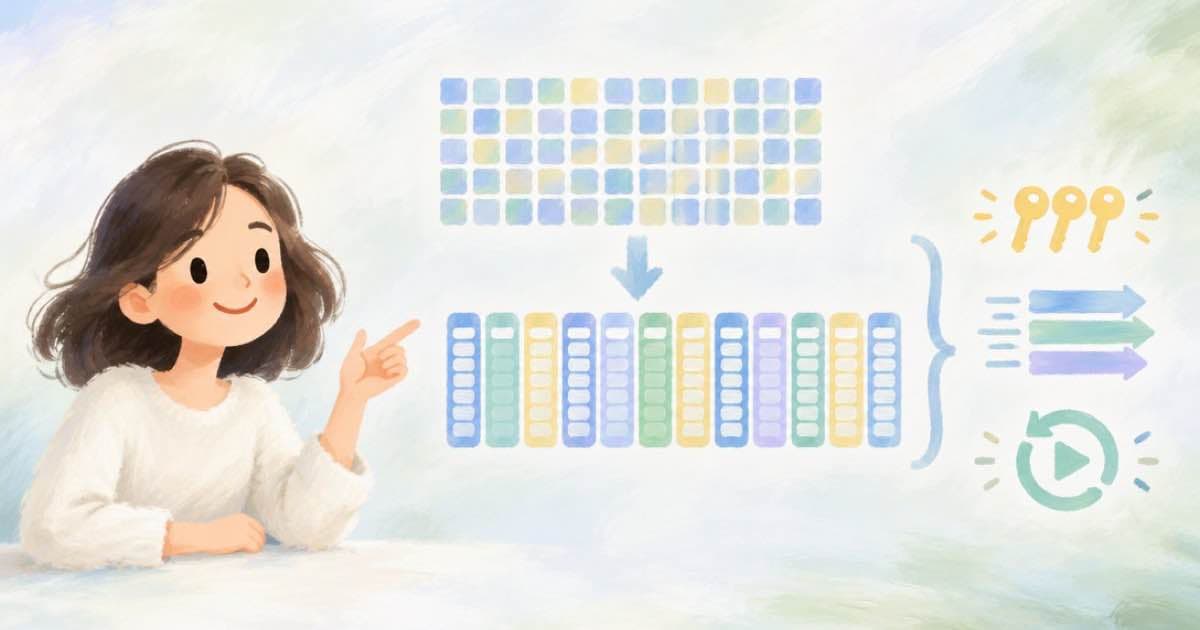
Format bulk runs accept 1 to 100 items per queue, so a 1,200-SKU catalog is 12 queues of 100. Give each queue its own Idempotency-Key, because a replayed key returns 202 with the original queue instead of creating a new one, and the same key with a different payload returns 409.
Limits to plan around
The numbers below are from the bulk-runs and admission docs, read 2026-10-08.
| Setting | Value |
|---|---|
| Items per queue | 1 to 100 |
| Queue concurrency | 1 to 16 |
| Queue-level webhook | None; set communication.webhook_url per child |
| Replayed Idempotency-Key | 202 with the old queue |
| Same key, different payload | 409 |
| Queues for 1,200 SKUs | 12 |
Key naming that survives retries
Derive the key from the campaign and the chunk, never from the clock. If the key encodes the chunk index and a hash of the SKU list, a network retry is safe, while an edited chunk gets a new key on purpose.
- Example: bf26-q01 through bf26-q12, one per 100-SKU chunk.
- If you change one SKU in q07, make the key bf26-q07-r2 so that you do not get the stale queue back.
- Do not reuse a key across batches to save effort; the replay returns the old queue.
Concurrency is not capacity
Setting queue concurrency to 16 does not give you 16 running jobs. Your plan's processing concurrency (4 on Pro, 20 on Scale) and accepted capacity still apply, and queue_full can come back. Open at most as many queues as accepted capacity can hold, and start the next only when the first has drained. Also check each child: the docs say completed is not the same as success.
Putting it together
Run one queue at a time on a small plan, and two or three on Scale. After each queue finishes, read all 100 children, collect the failures into a retry list, and only then submit the next chunk. This keeps your picture of the catalog simple: 12 chunks, each either done or on a retry list.
Store the key, the chunk, the queue id and the submit time in one row per queue. When a deploy or script restart happens in the middle of a run, that table tells you which chunks to resubmit and which to skip.
- 12 queues x 100 items = 1,200 items.
- 11 retried items need 1 new queue and 1 new key.
- Never rebuild a payload under an old key.
Before you scale
Before the first submit, run one queue of 5 items as a rehearsal. It costs a few clips, and it proves the Idempotency-Key scheme, the per-child webhook endpoint, the spend cap and the result-reading code. Then lock the key names in your script and run the 12 chunks. If a chunk partly fails, resubmit only the failed items as a new, smaller queue with a new key, and leave the finished children alone.
Sources
Related posts
More in Developers
- 200 video slots in a 180 s Short: 0.9 s each on Sume Timeline
Timeline 1.0 takes up to 200 video slots and 1,800 s of audio. In a 180 s Short, 200 slots average 0.9 s, the render bills $0.30, and fades cap at 0.45 s.
- 250 prompts at 12s 1080p after Sora: which Sume models reach it
Four of the six candidate models make a 12-second 1080p clip on Sume, from $420.00 to $2,042.50 for 250 prompts. minimax-h3 and Omni Flash cannot.
- 48 or 50 fps for YouTube: Sume output.fps accepts 24, 25, 30, 60
YouTube lists 24, 25, 30, 48, 50 and 60 fps as common rates. Sume Timeline's output.fps takes 24, 25, 30 or 60, so omit it for 48 or 50 sources. Why.
- 4K 3840x2160 for YouTube: Sume Timeline output stops at 2160 per edge
YouTube lists 35-45 Mbps for 4K. Sume Timeline allows even width and height from 256 to 2160, so 3840x2160 is refused. What you can render instead.
Written by Sume